
For iPad · iPhone · Apple Watch · Apple TV
Your iPad, reborn as a Shia azan clock.
Prop it on the mantel, the kitchen counter, or the bedside table. Shia Daily turns the screen into an always-on prayer clock for the whole family — accurate Jaffari prayer times, azan alerts, and themes that change with the Islamic calendar.
Live preview — ticking with your local time. Sample schedule shown; the app calculates times for your exact location.
Made for Every Room
One glance keeps the whole family on time for salah.
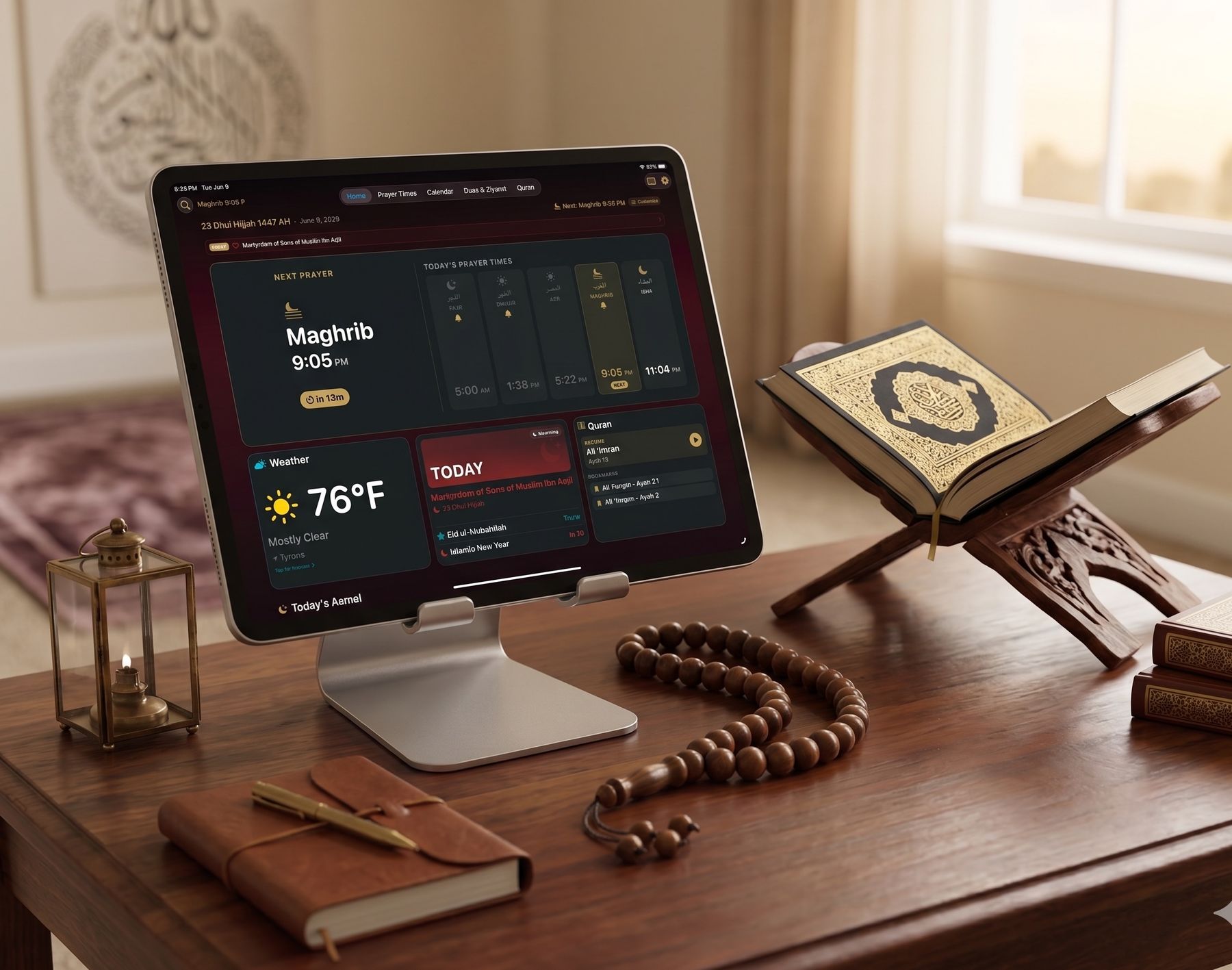
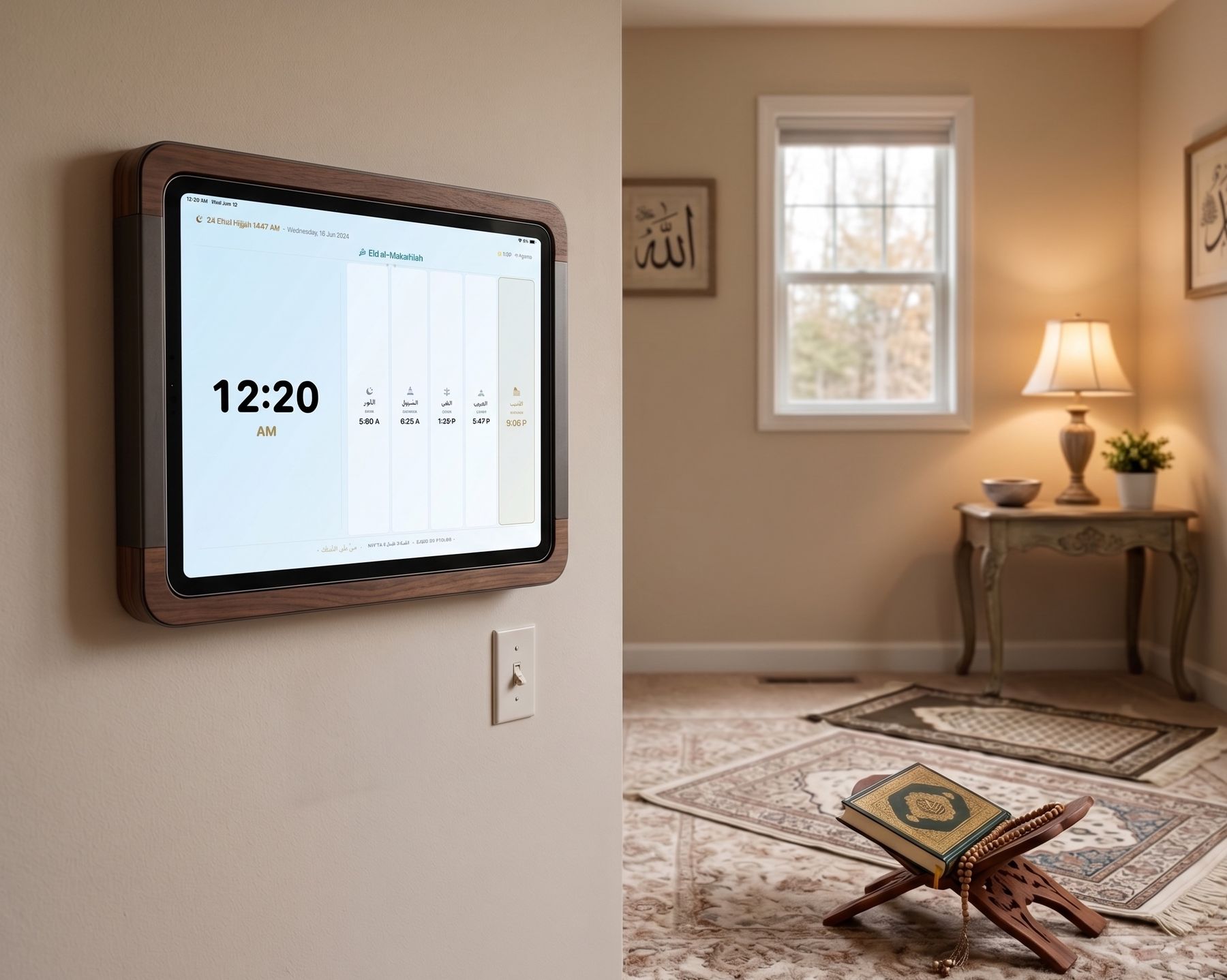
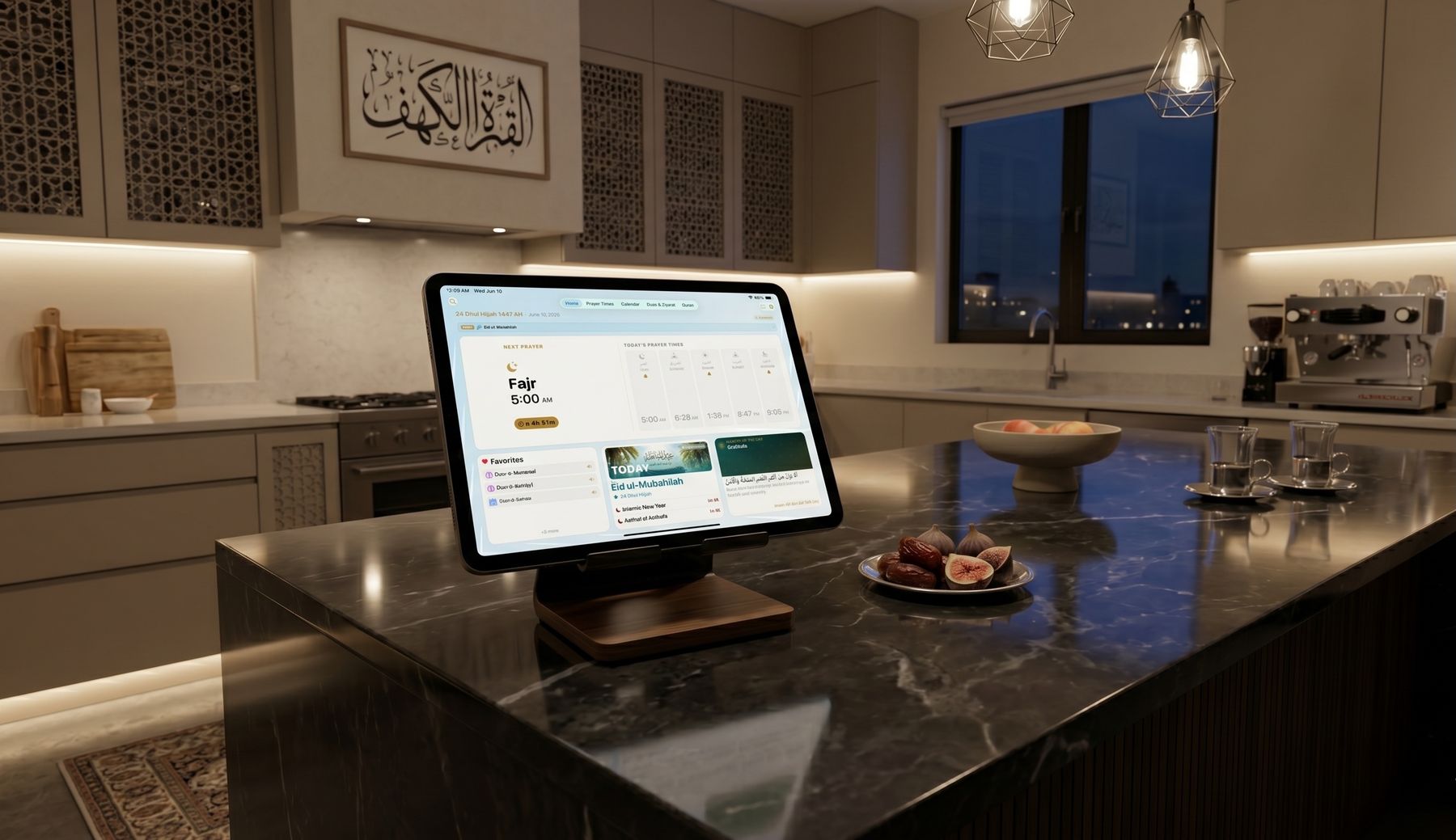
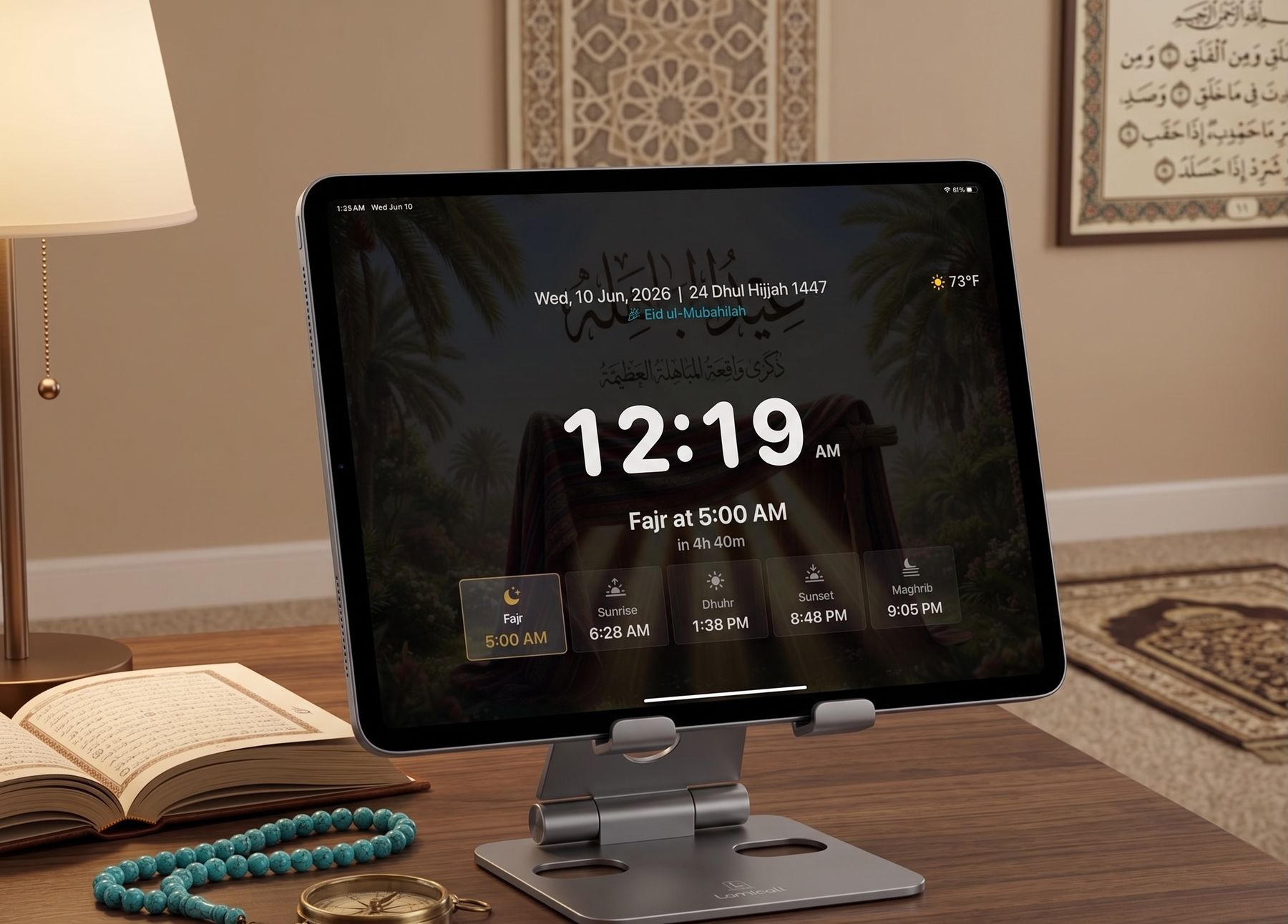
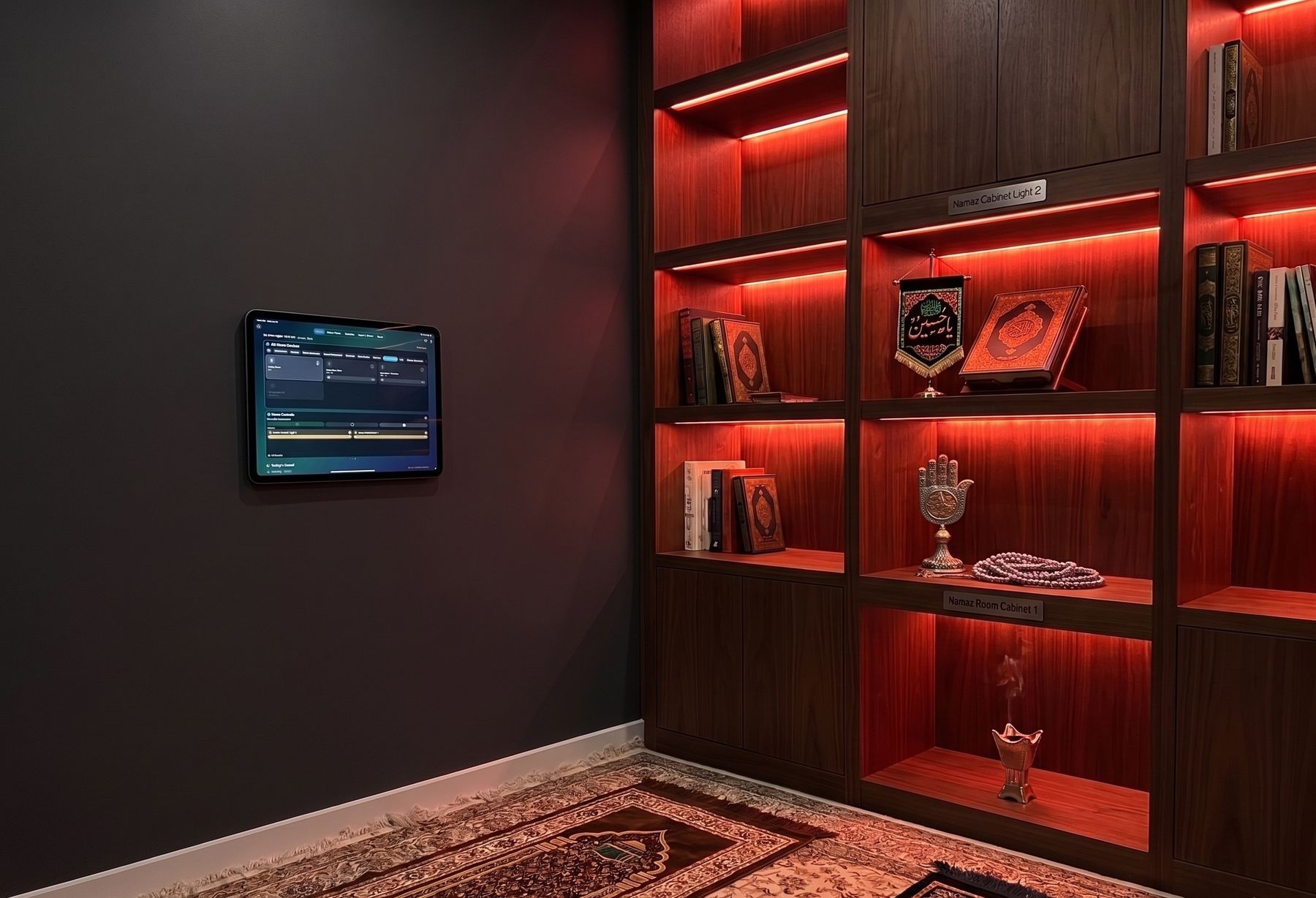
Rotate the iPad to landscape on a stand or wall mount and Shia Daily transforms into a dedicated azan clock — for the prayer room, the kitchen counter, the hallway wall, or the bedside table.
Azan Clock Mode
A prayer clock that lives on your wall — not another gadget to buy.
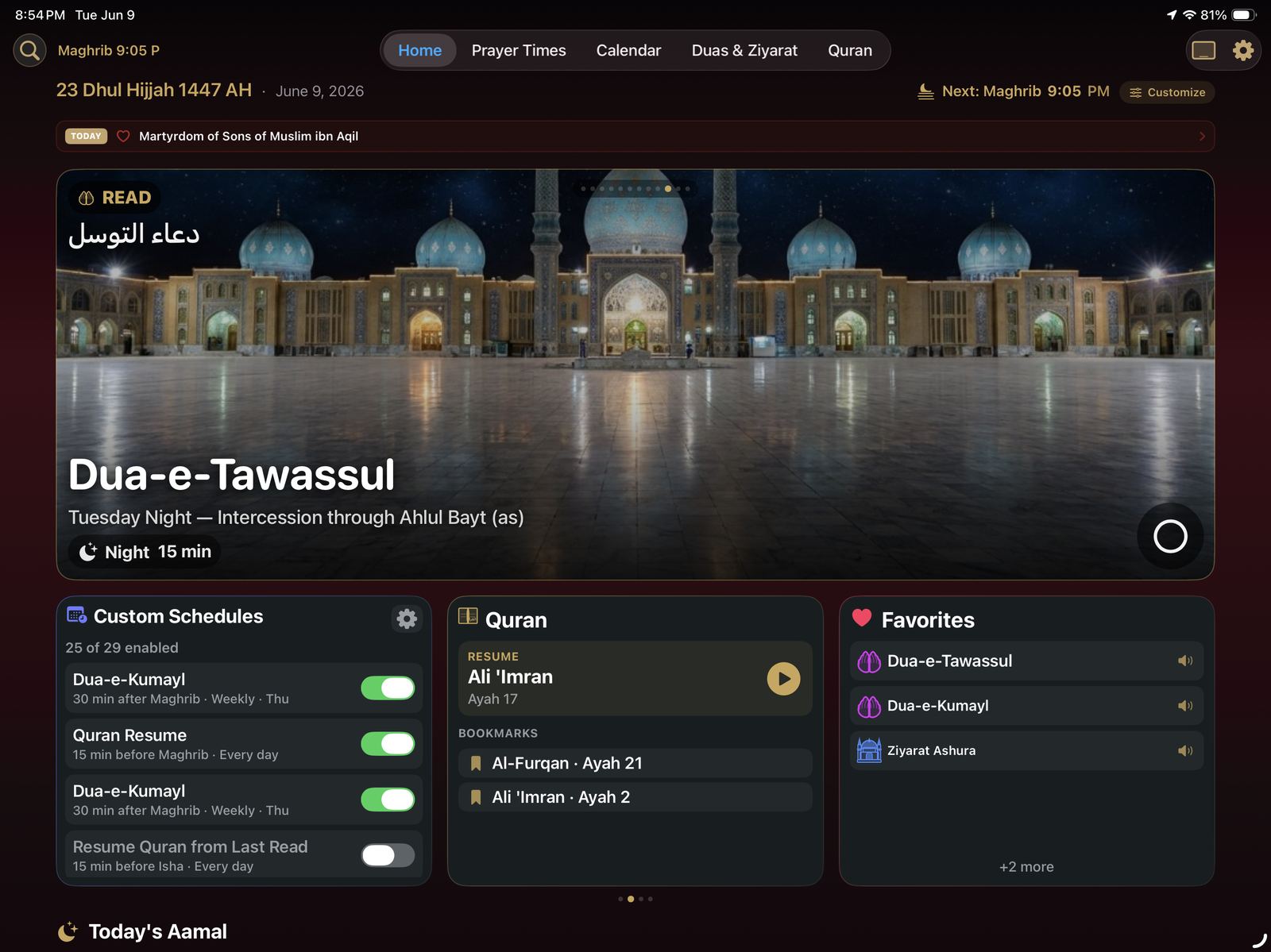
Leave Shia Daily open on an iPad and it becomes a dedicated azan clock: a large, glanceable display with the time, the Hijri date, today's prayer schedule, and a countdown to the next salah. When the time arrives, the whole screen announces it.
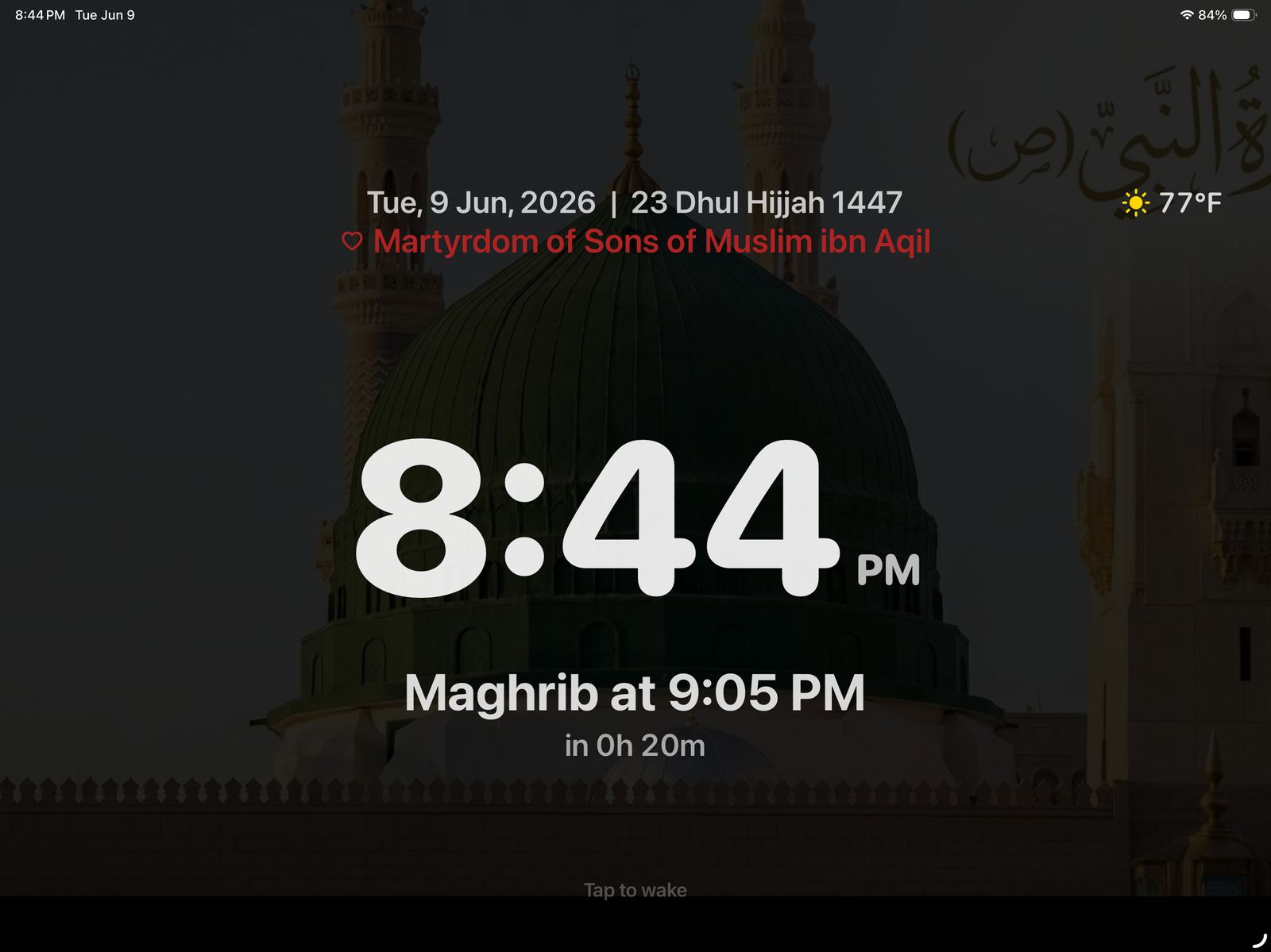
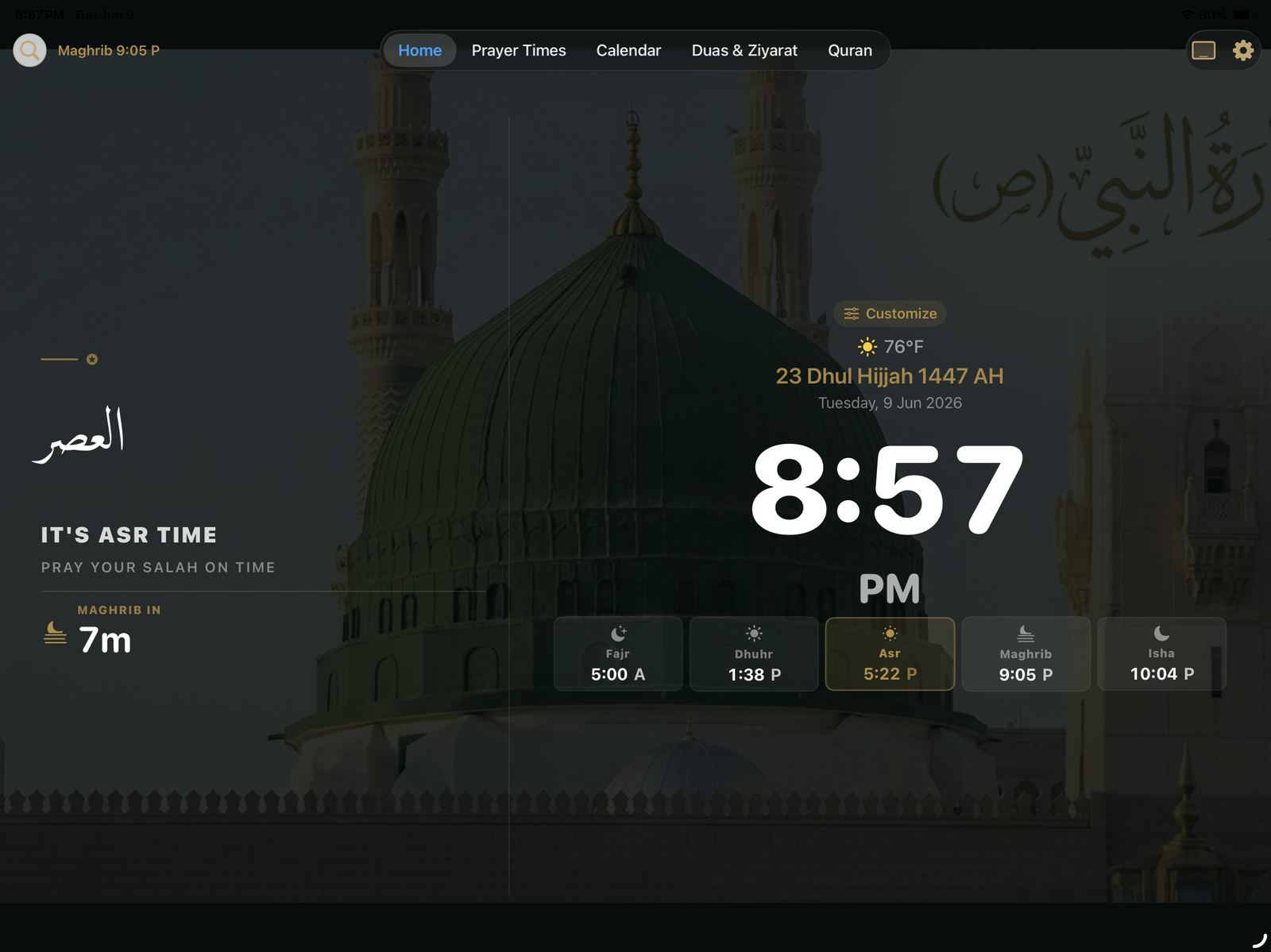
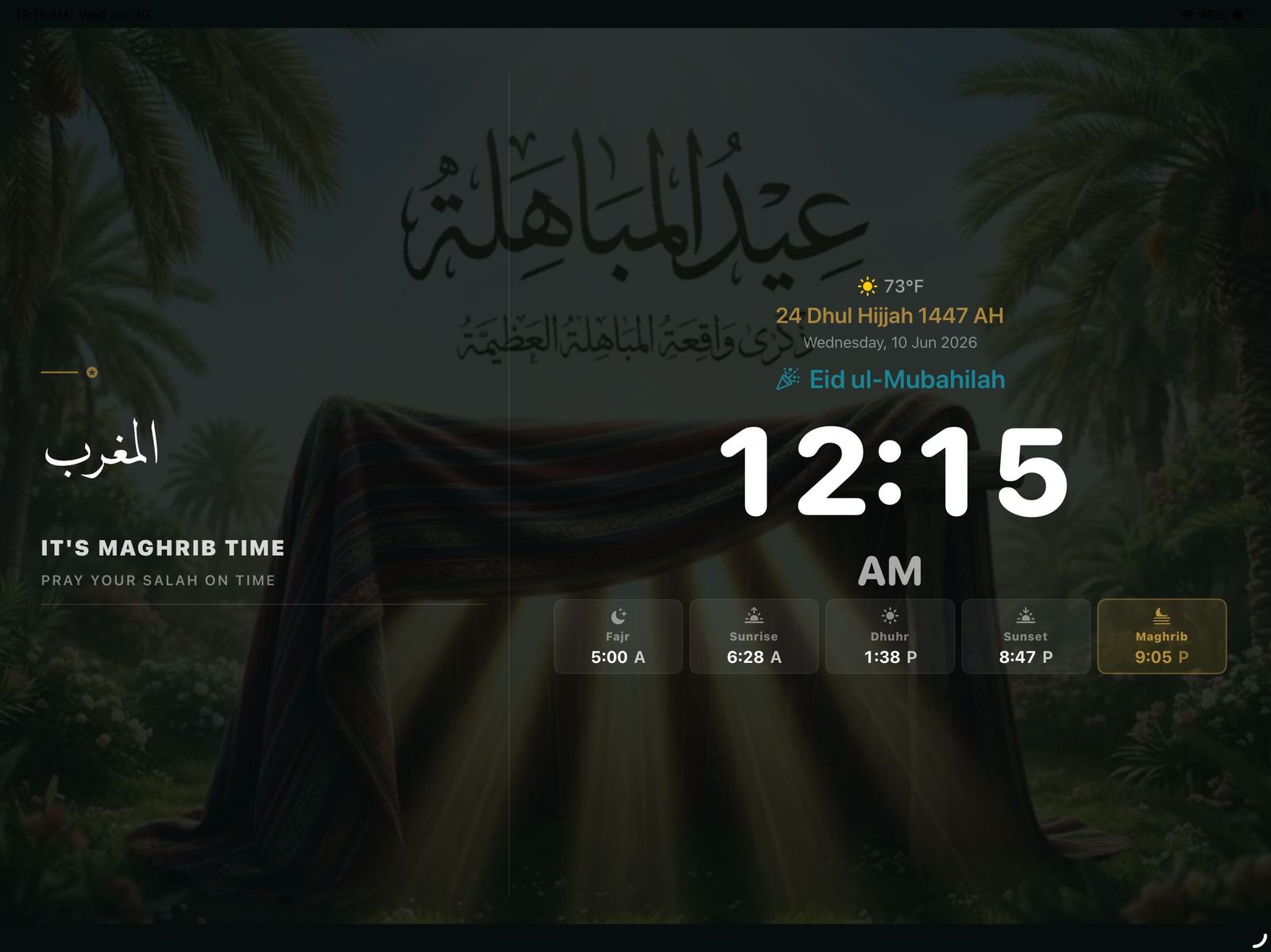
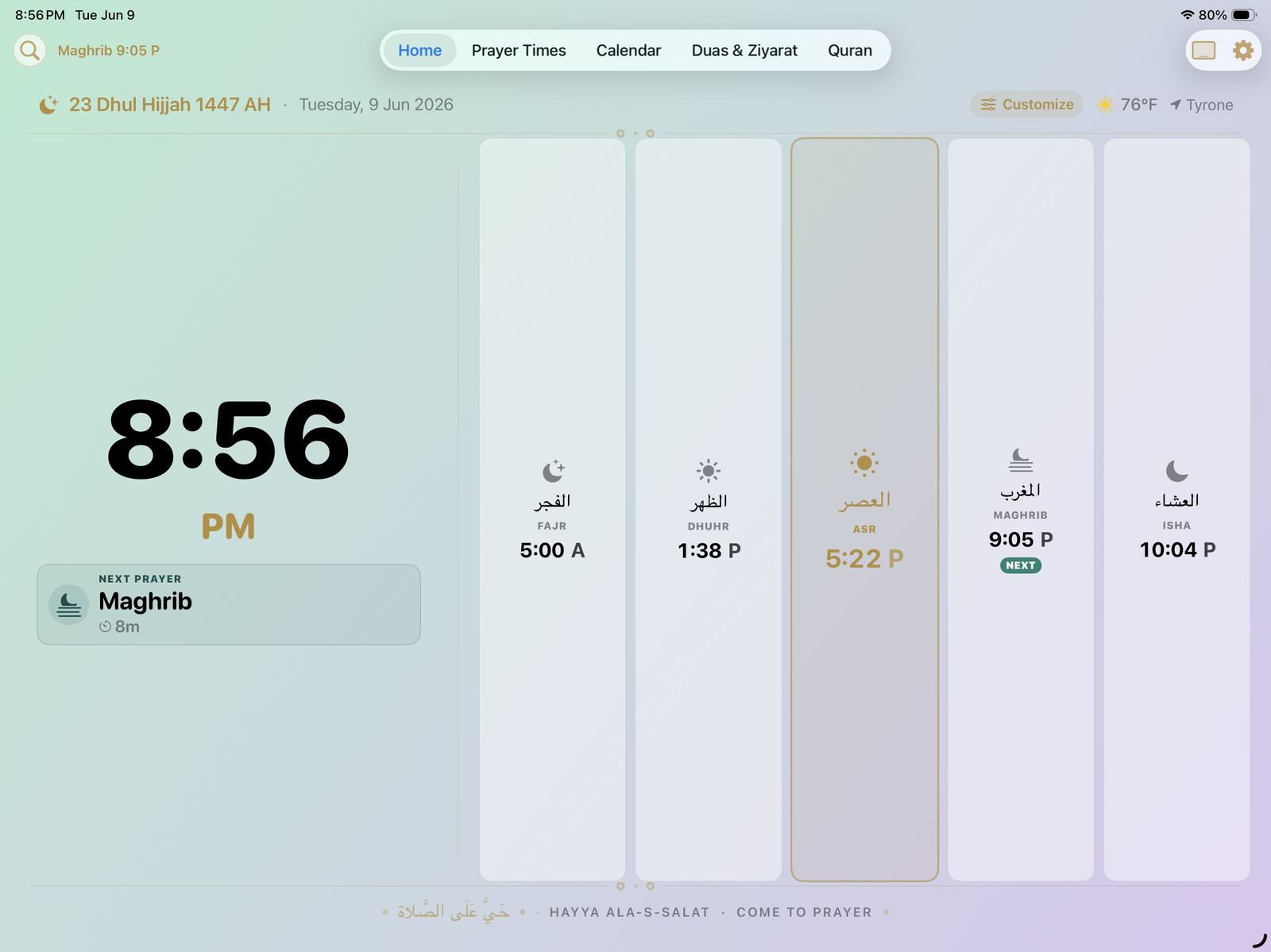
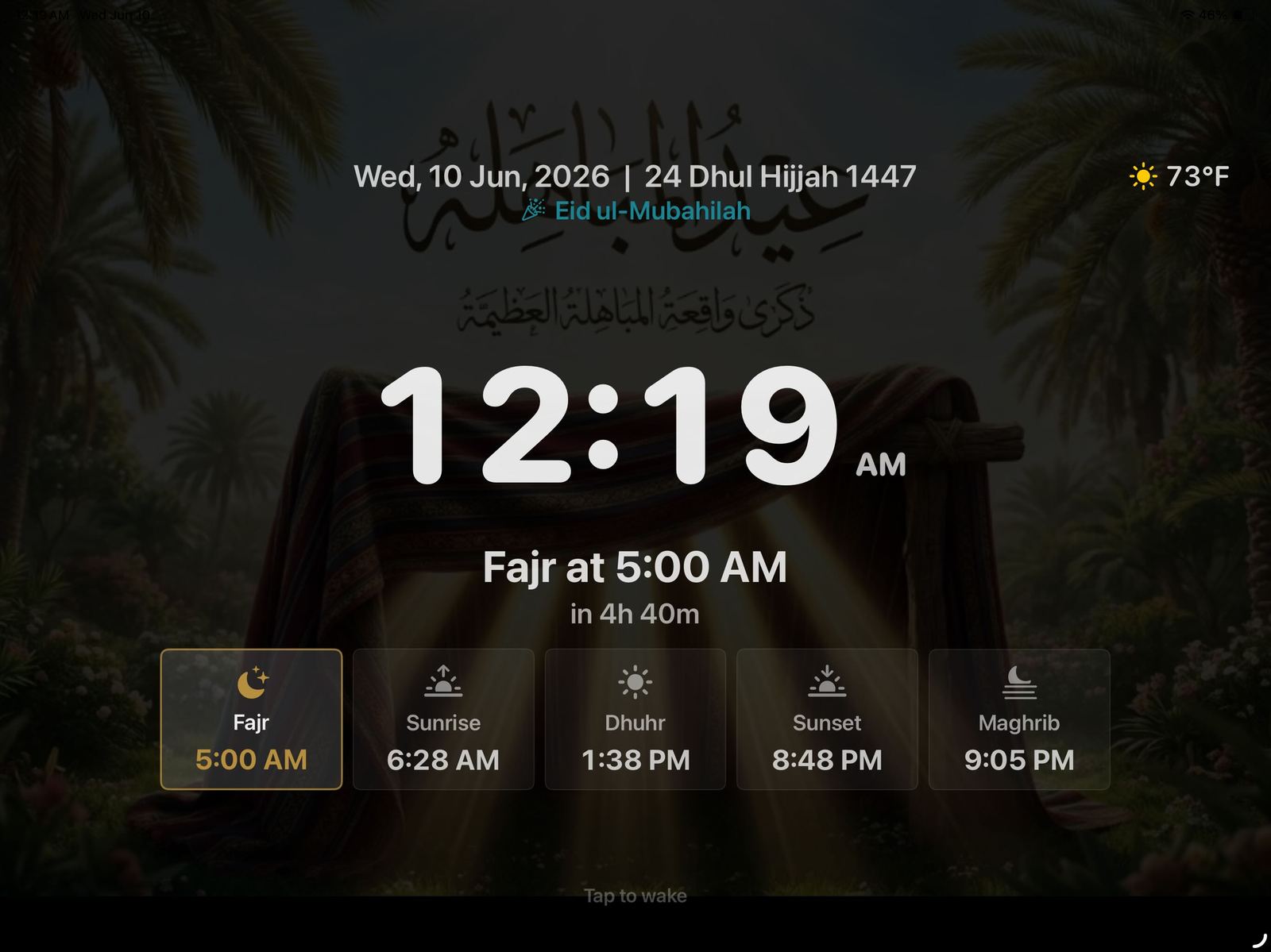
The timeless Classic, a Mosque face with Arabic calligraphy, a Wall layout with a countdown ring — or switch to a customizable widget dashboard.
Set the viewing distance once and the type scales up for wall mounts read from across the room.
The complete azan plays automatically at each prayer — including a beautiful recitation video by Abather Alhalwachi.
Fill your home with the sound of the azan through any AirPlay speakers, with per-prayer control over which play and which stay silent.
Idle screensavers ease into a dimmed clock, prayer focus, or a photo frame — with deep blacks and subtle movement for burn-in protection.
A night schedule or the room going dark switches the display off; it wakes with a tap or the morning light.
Everything Around the Clock
One app for the whole daily rhythm.
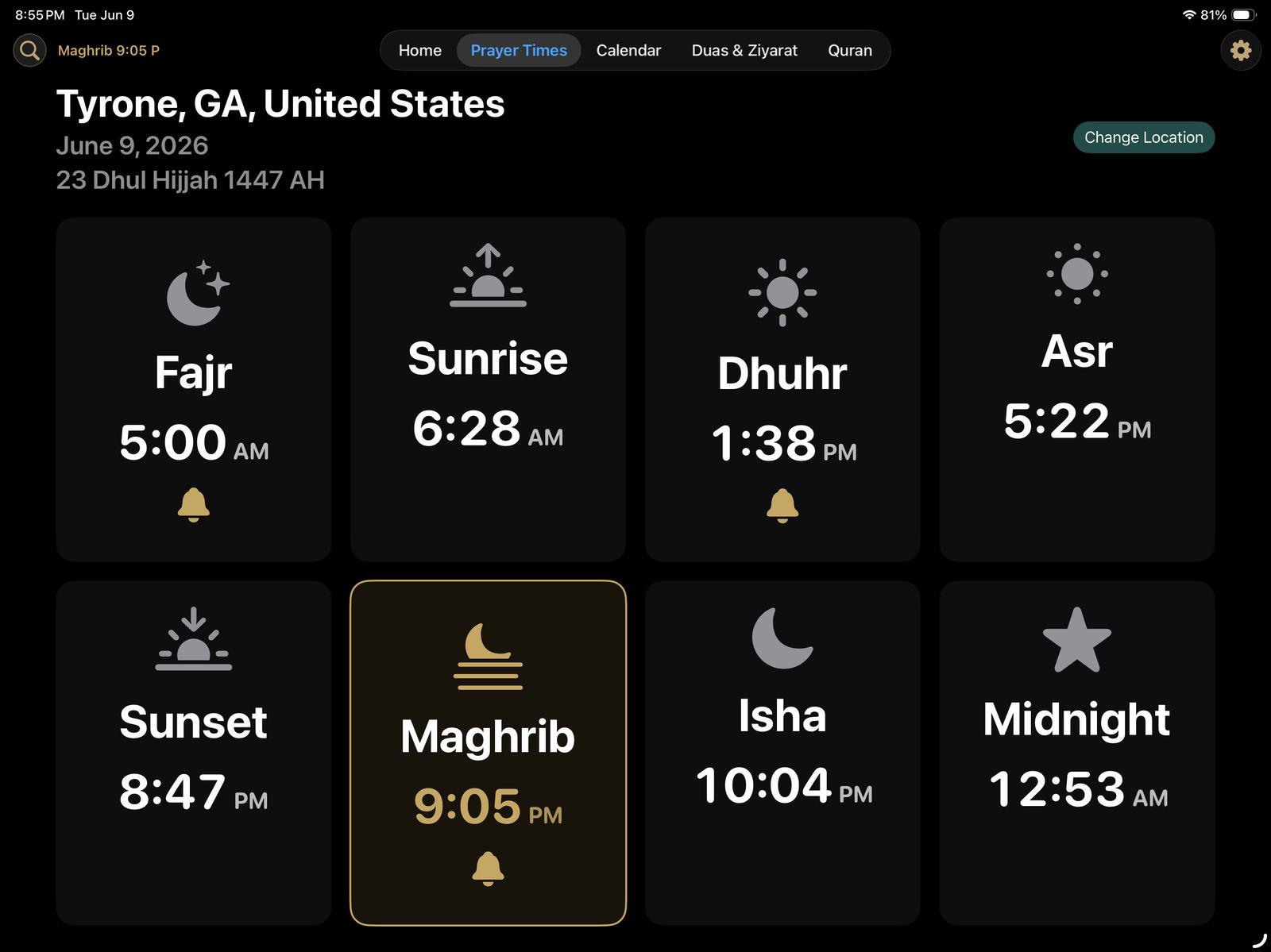
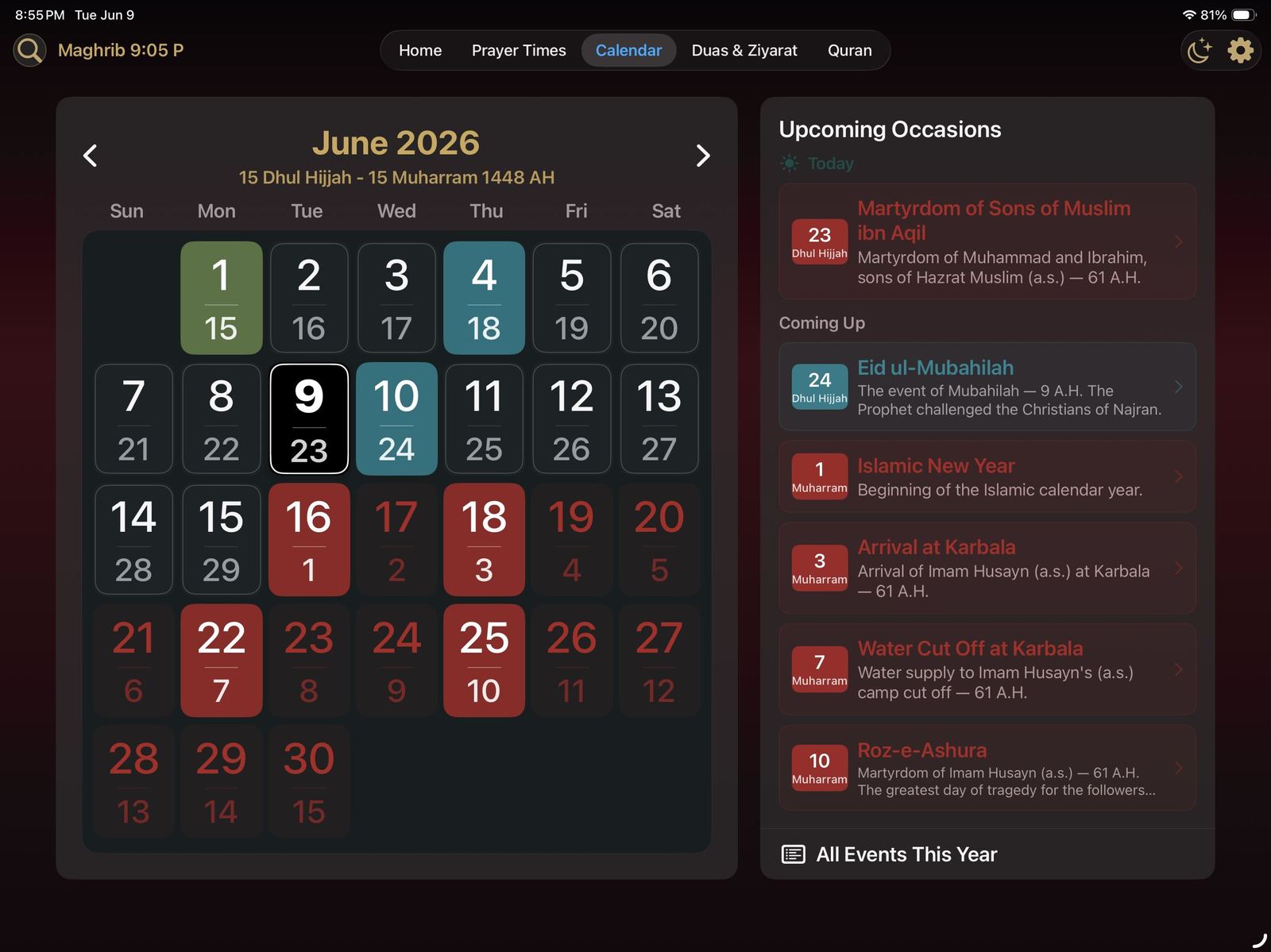
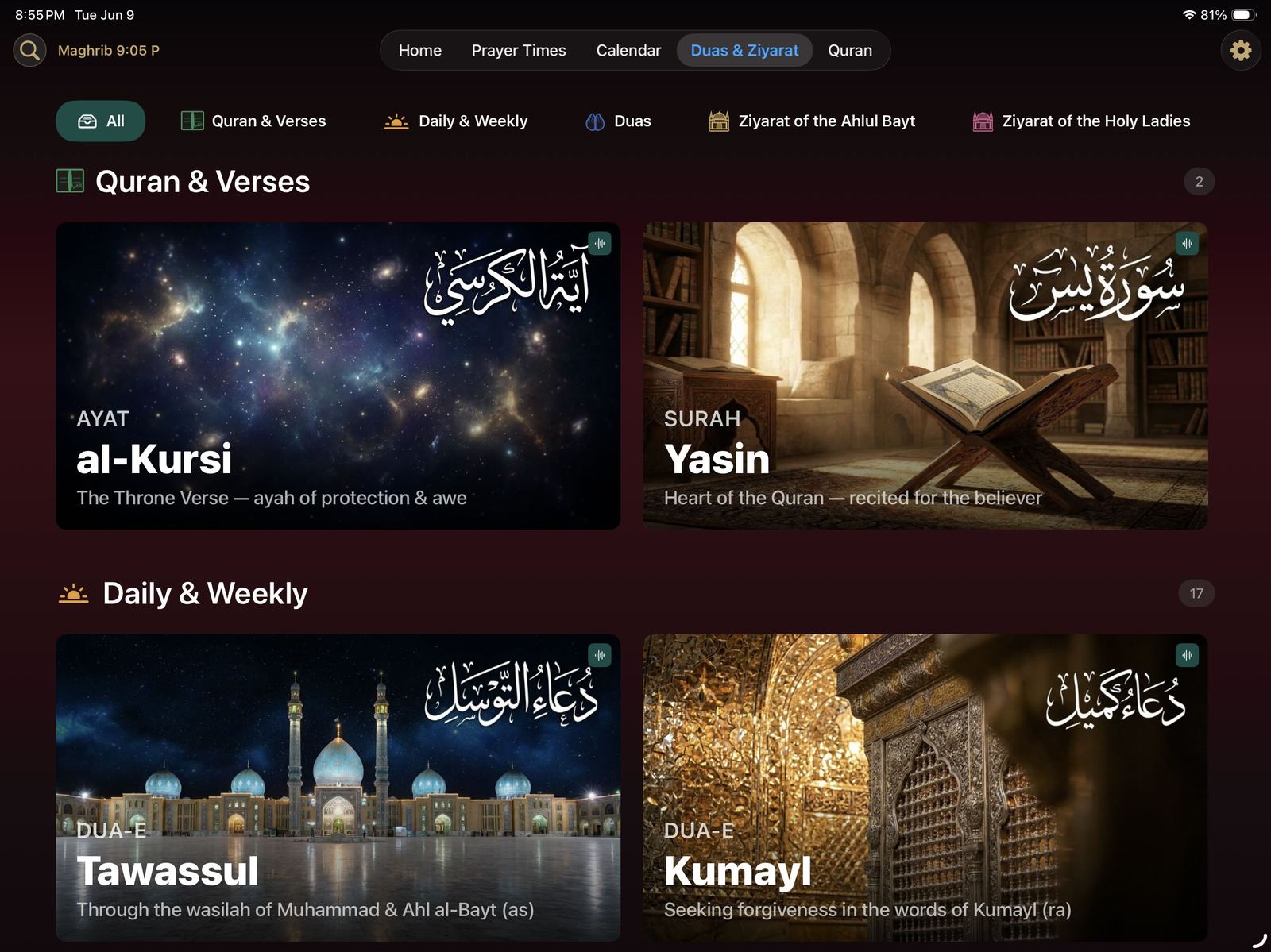
The azan clock is the face of Shia Daily — behind it is a complete companion for worship, reading, and remembrance.
Your Whole Home, In Sync
The clock reaches beyond its screen.
Shia Daily connects to Apple HomeKit, so your home itself can follow the prayer times and the Islamic calendar.
-
💡
Lighting that knows the occasion
Lights brighten before the azan and take on the color of the day — green for wiladat, red for shahadat, blue for celebrations, dimmed for nights of mourning.
-
☁
iCloud sync across iPads
Schedules, widgets, and HomeKit setup sync to every iPad in the house — or customize each room separately.
-
☾
Occasion-aware, automatically
The clock follows the Islamic calendar, surfacing today's events and adapting bulb and LED-strip colors to the occasion.
One App · Every Screen
From the living-room TV to the watch on your wrist.
Shia Daily is a true Apple ecosystem app — iPad, iPhone, Apple Watch, and Apple TV — with the same prayer times, Hijri calendar, Quran, and duas shaped for every screen in the house.
Apple TV
The whole app, on the biggest screen in the house.
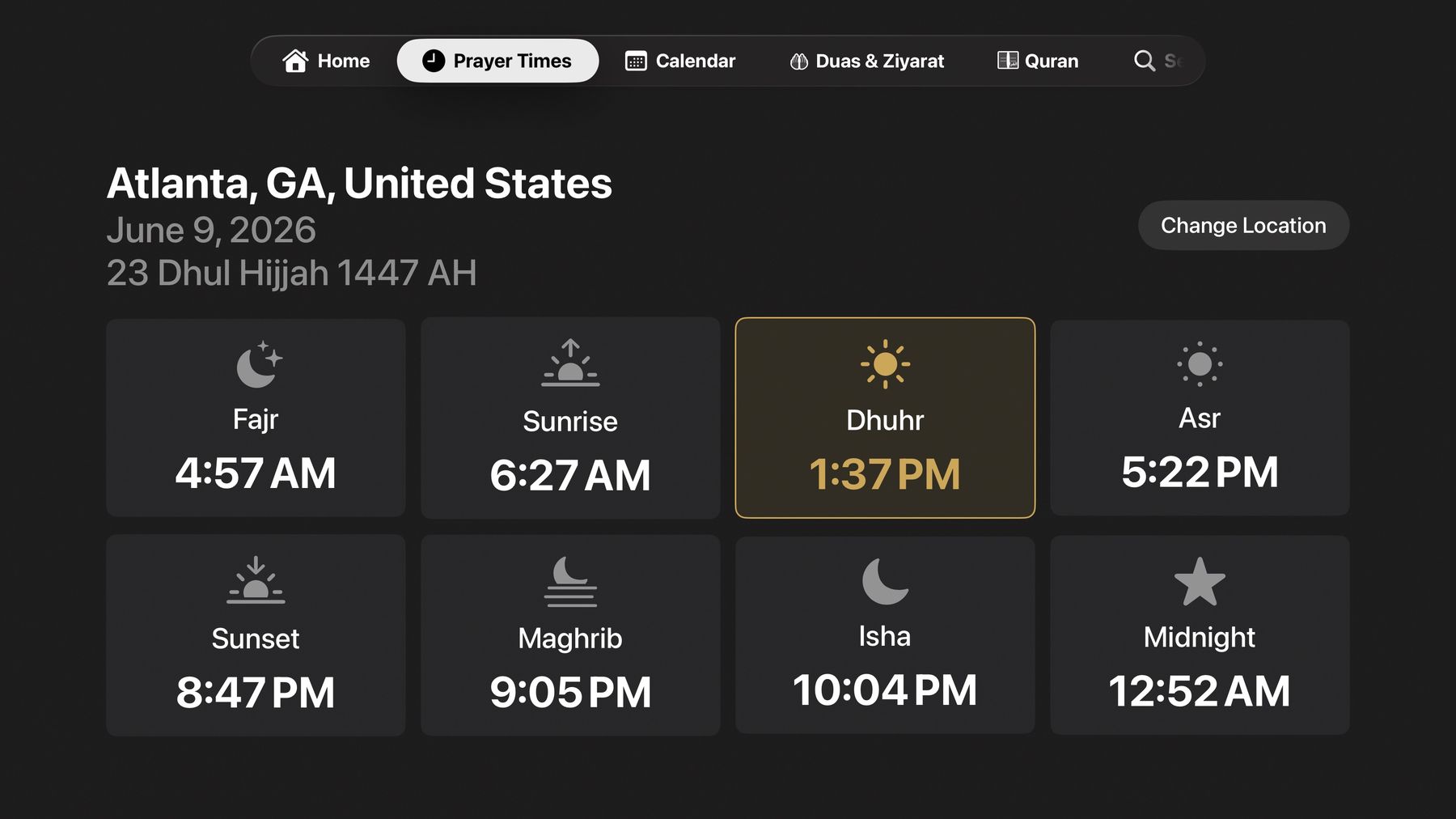
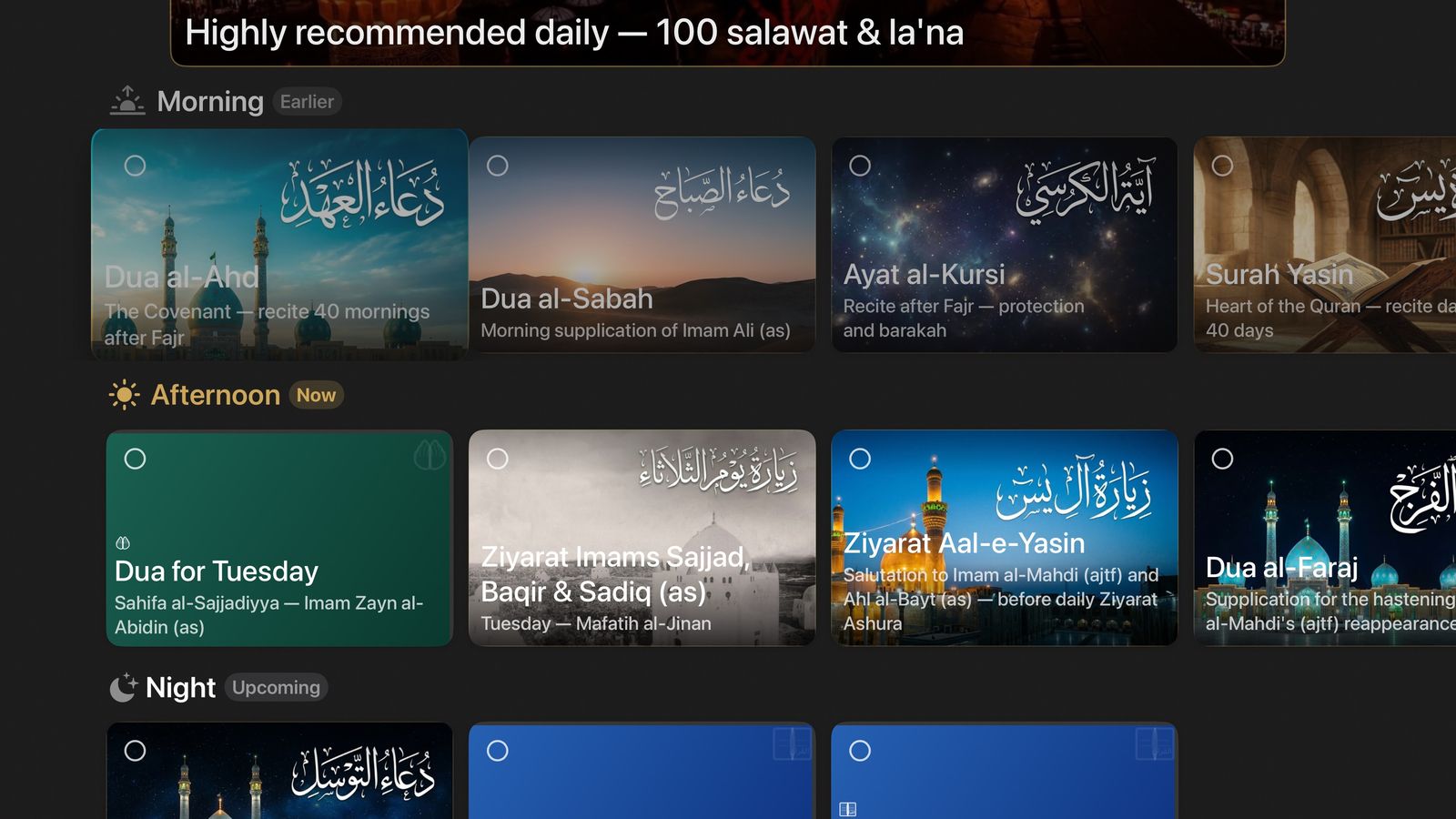
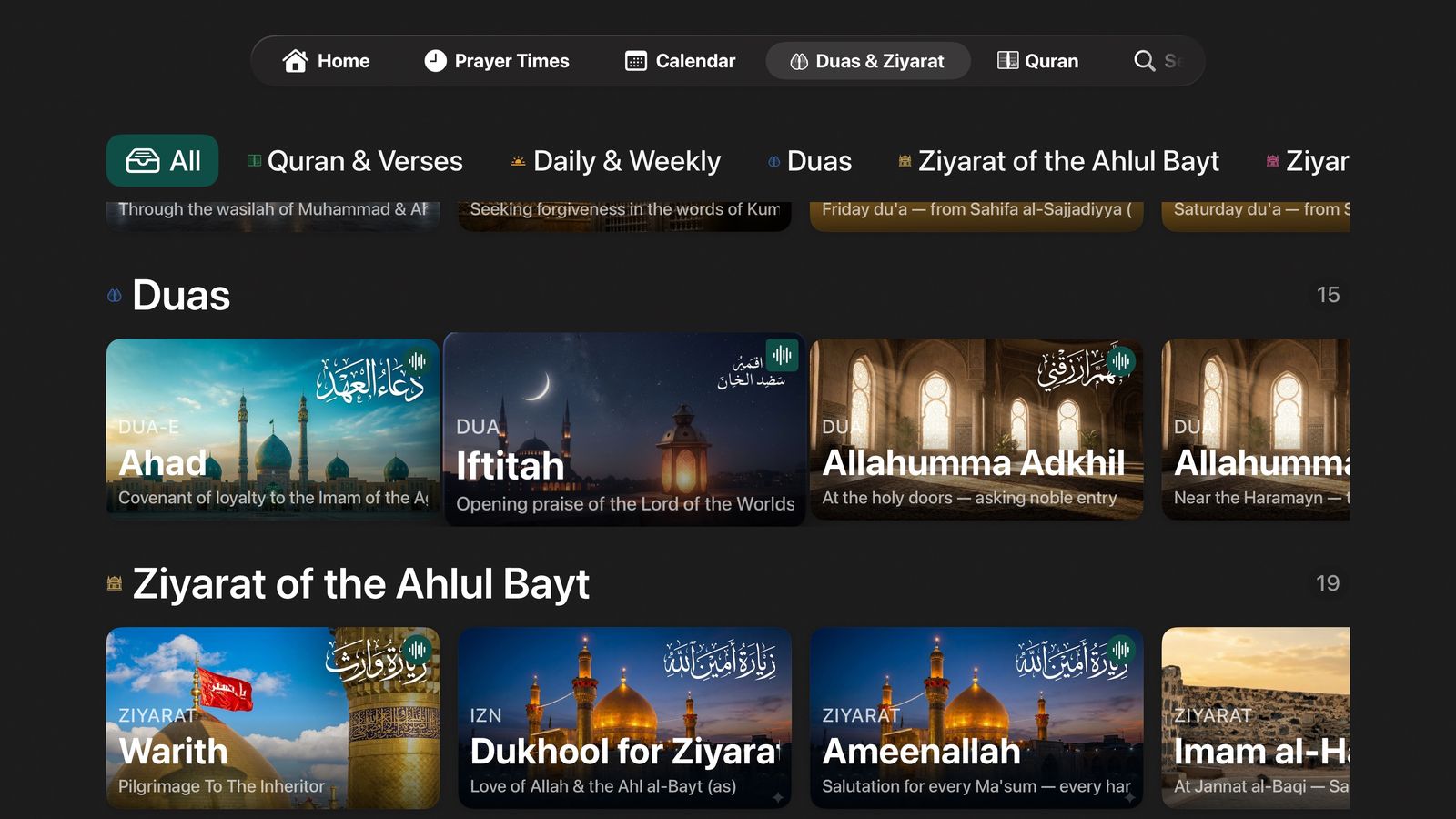
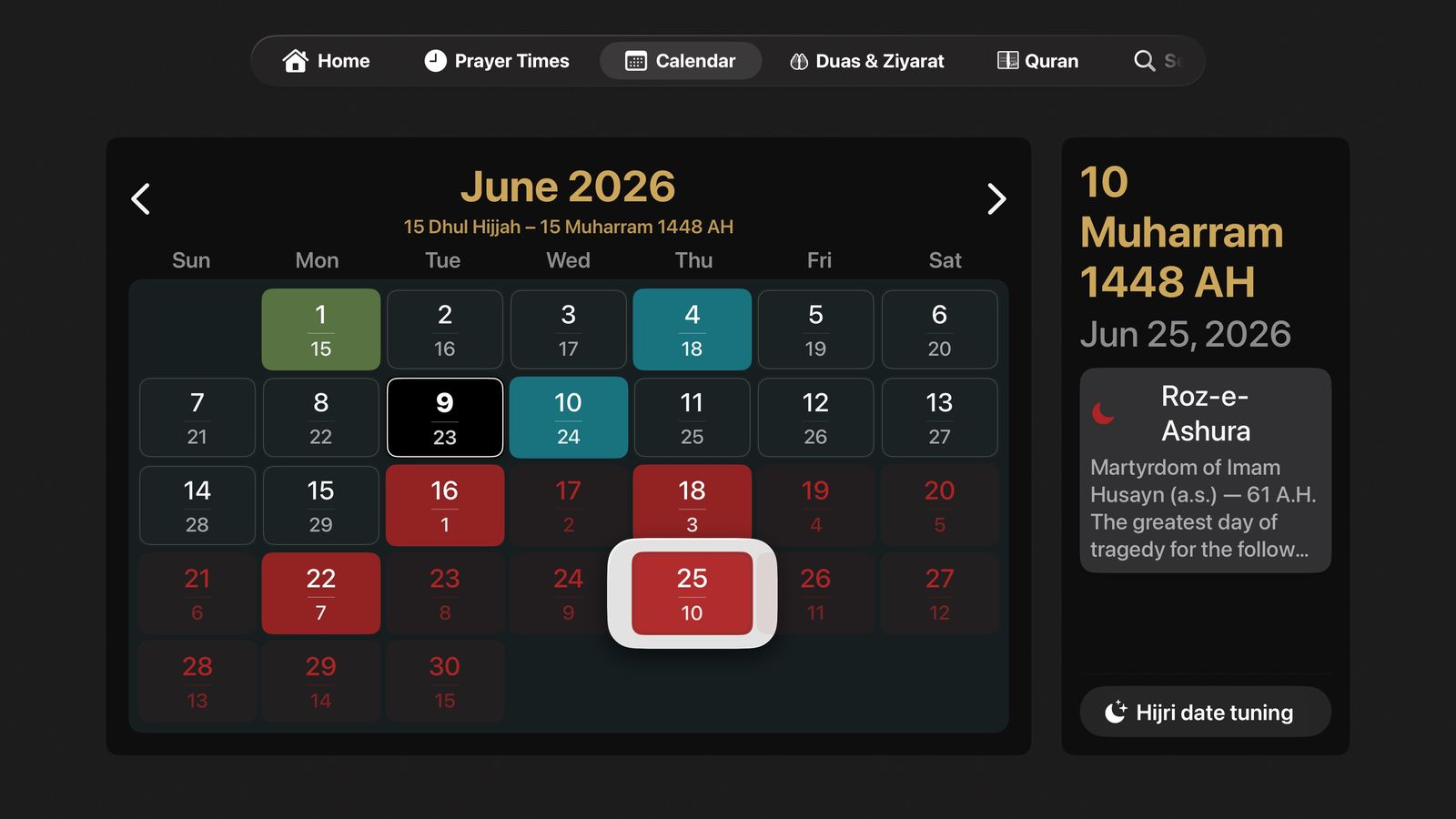
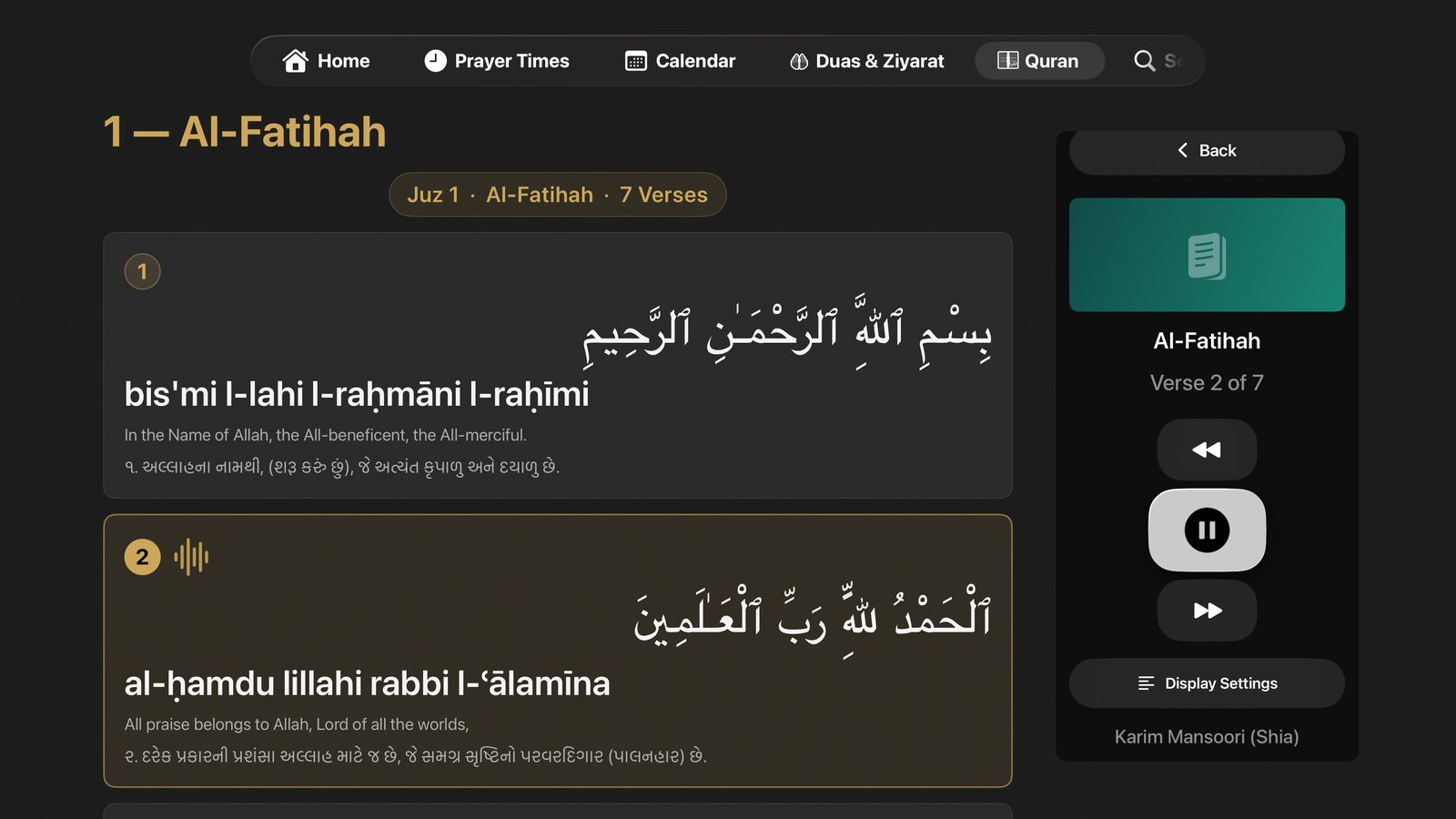
Open Shia Daily on Apple TV and the living room becomes a place of remembrance. Navigate prayer times, the calendar, duas, and the full Quran with the Siri Remote — and let recitations fill the room. Click any thumbnail to preview it on the TV.
iPhone
Your whole daily rhythm, in your pocket.
A home screen of live widgets, missed-salah tracker, Qadha log, the full Quran with audio, duas and ziyarat, the Hijri calendar, and a tasbih counter — everything, with you wherever you go.
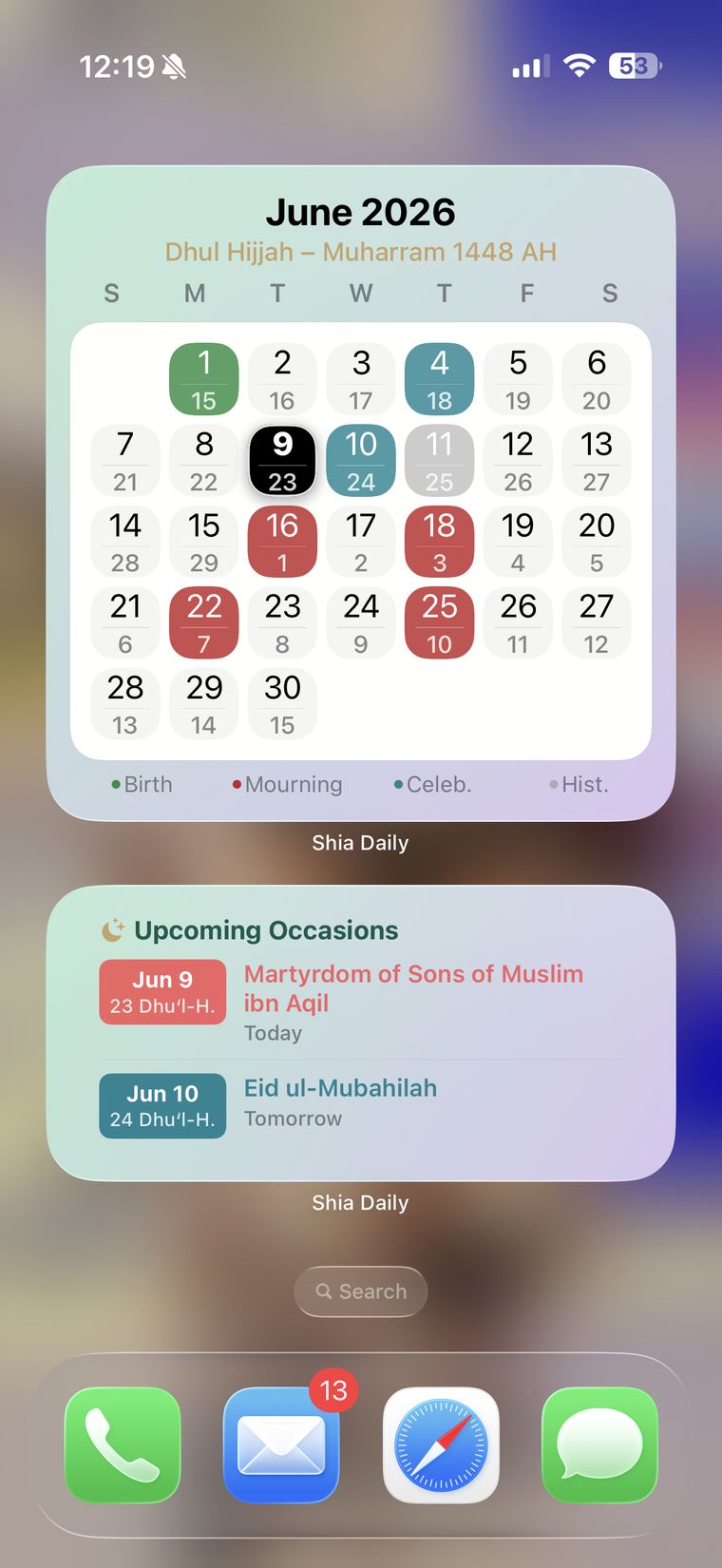
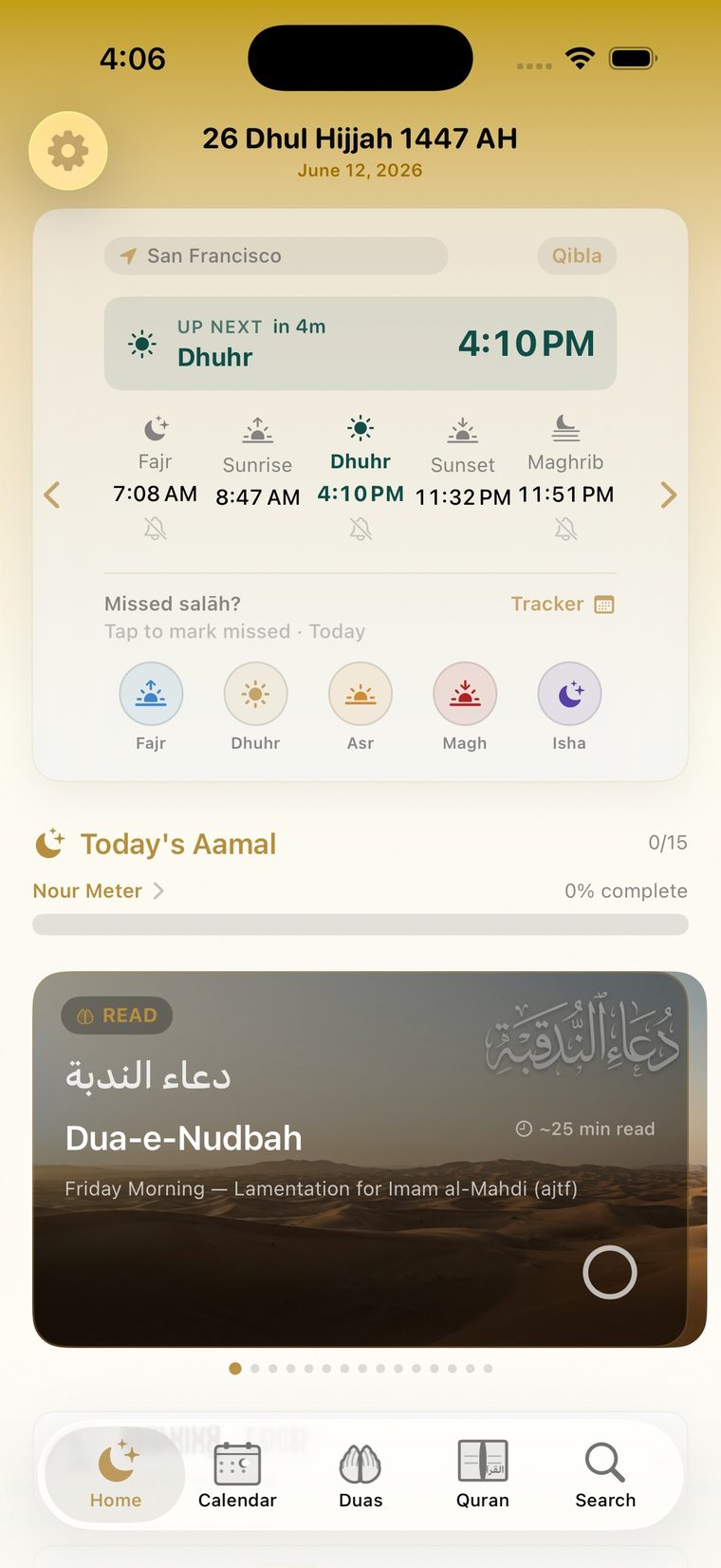
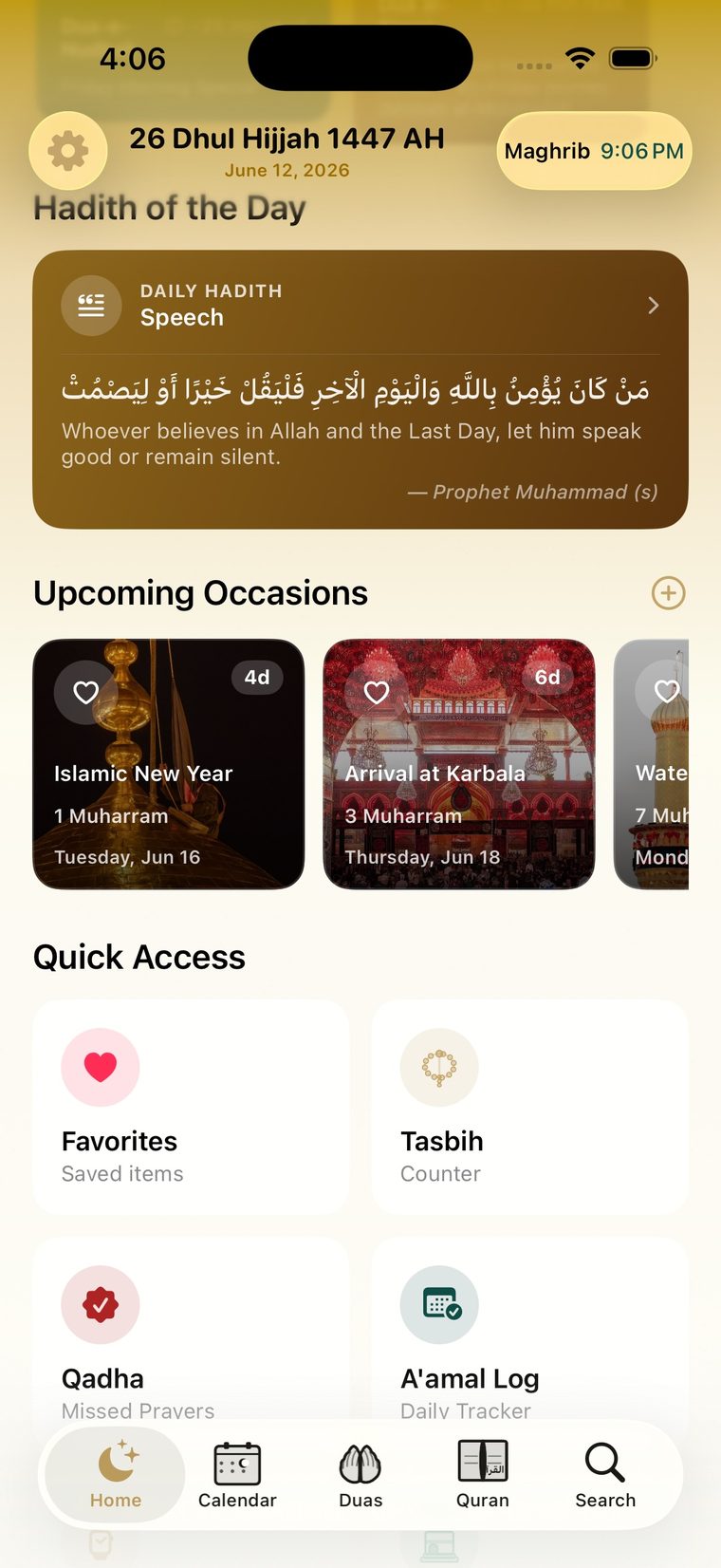
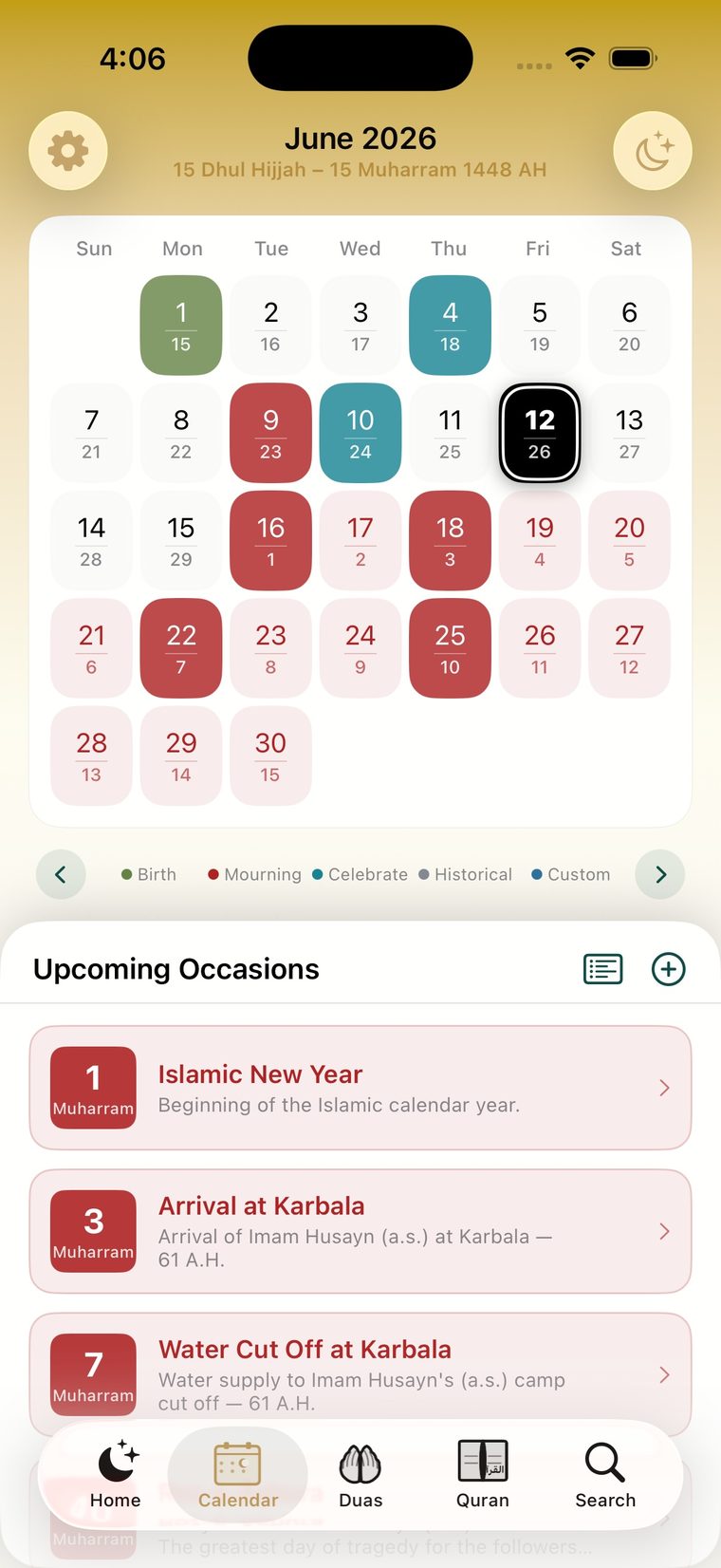
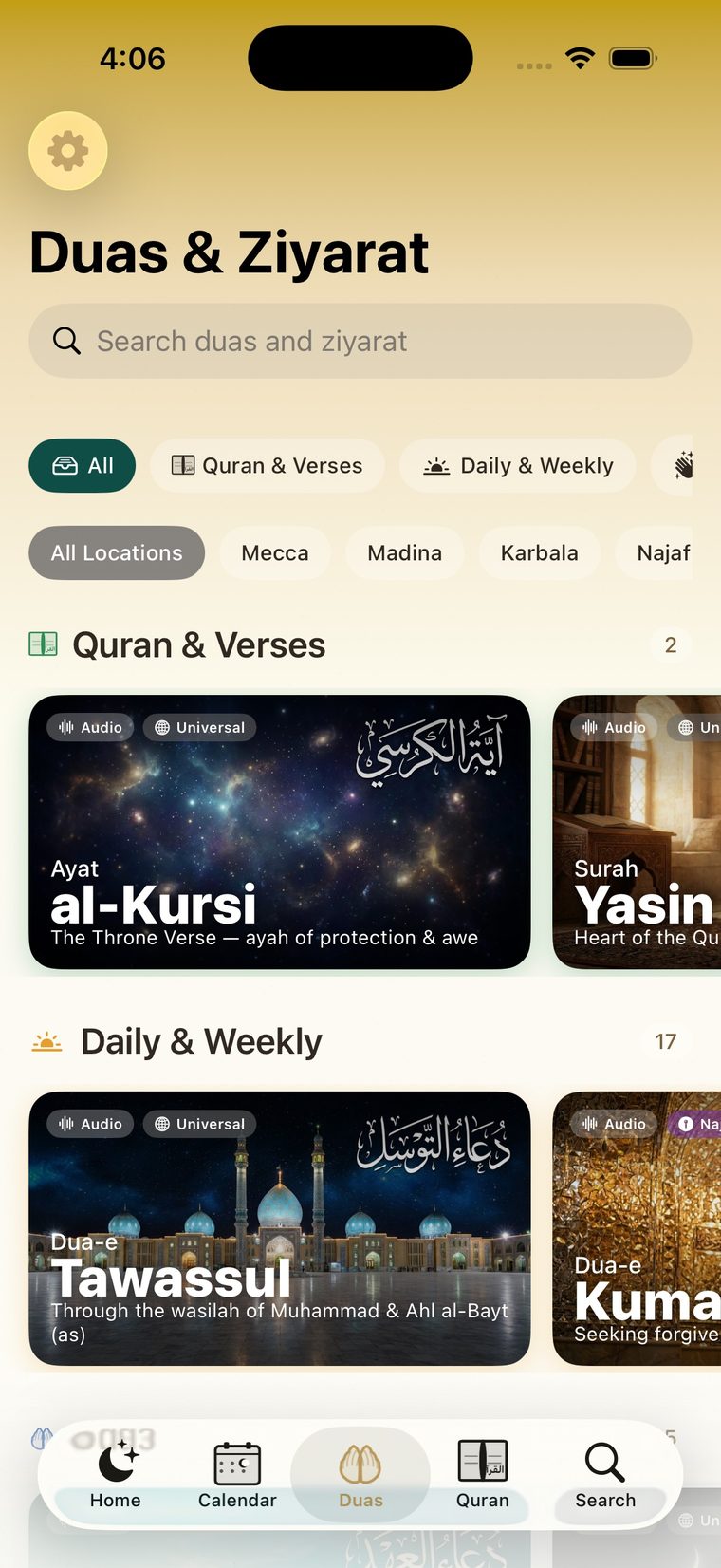
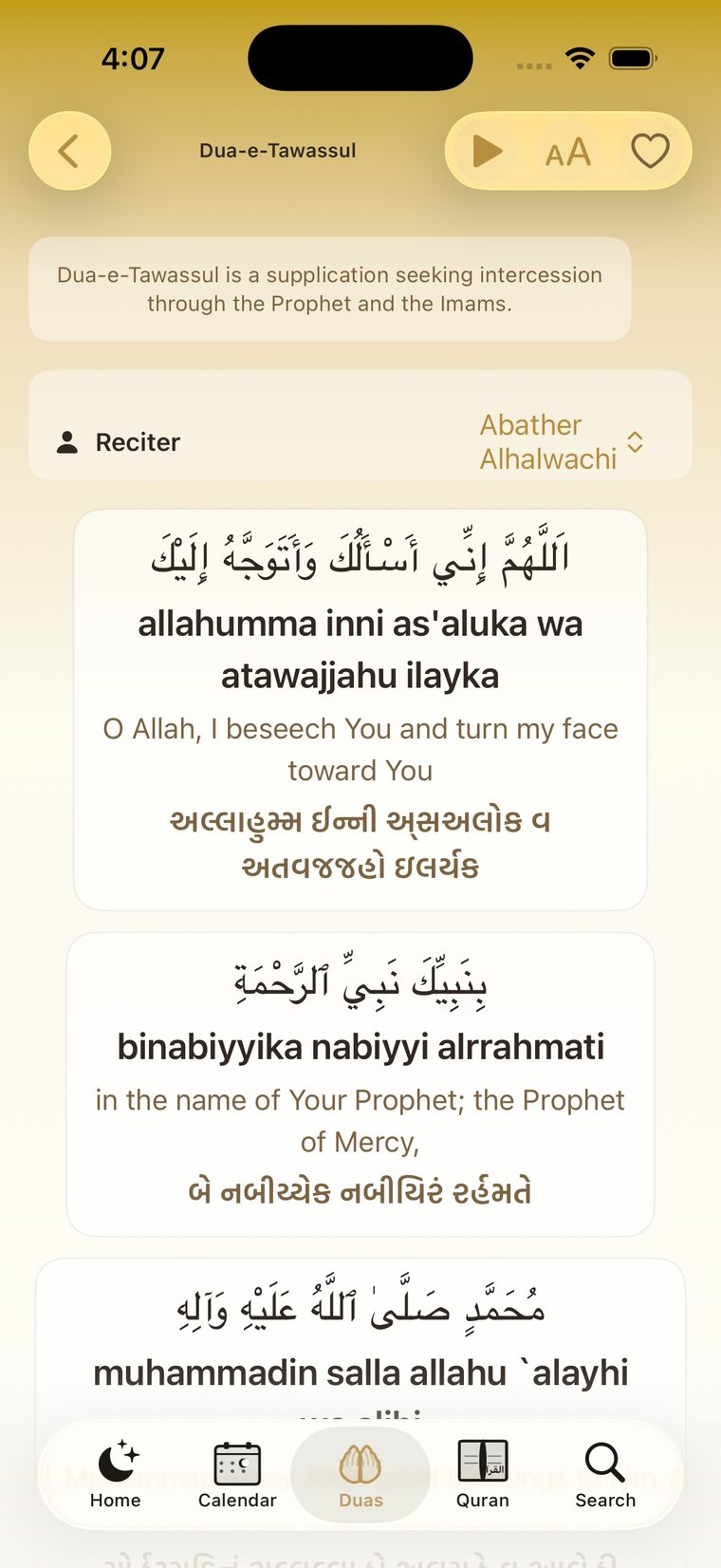
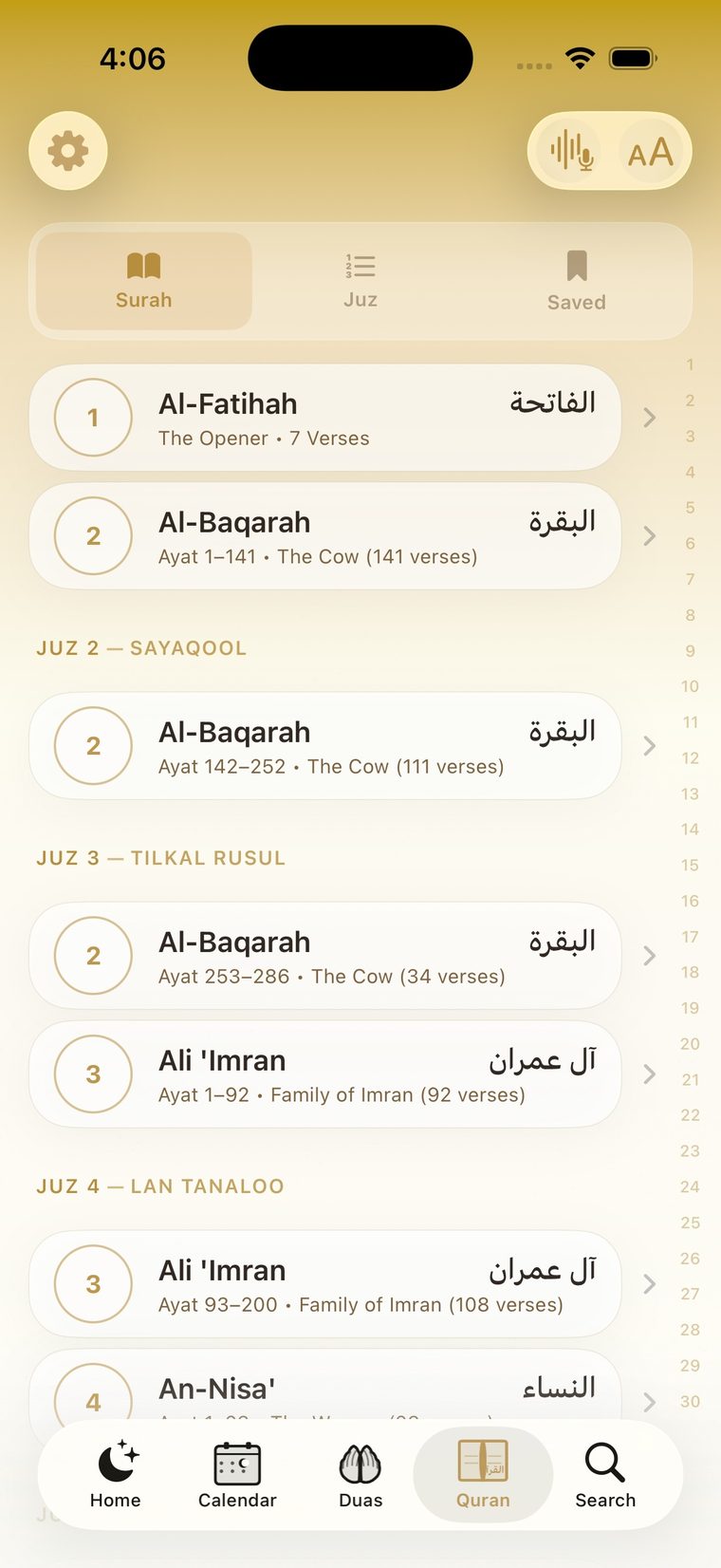
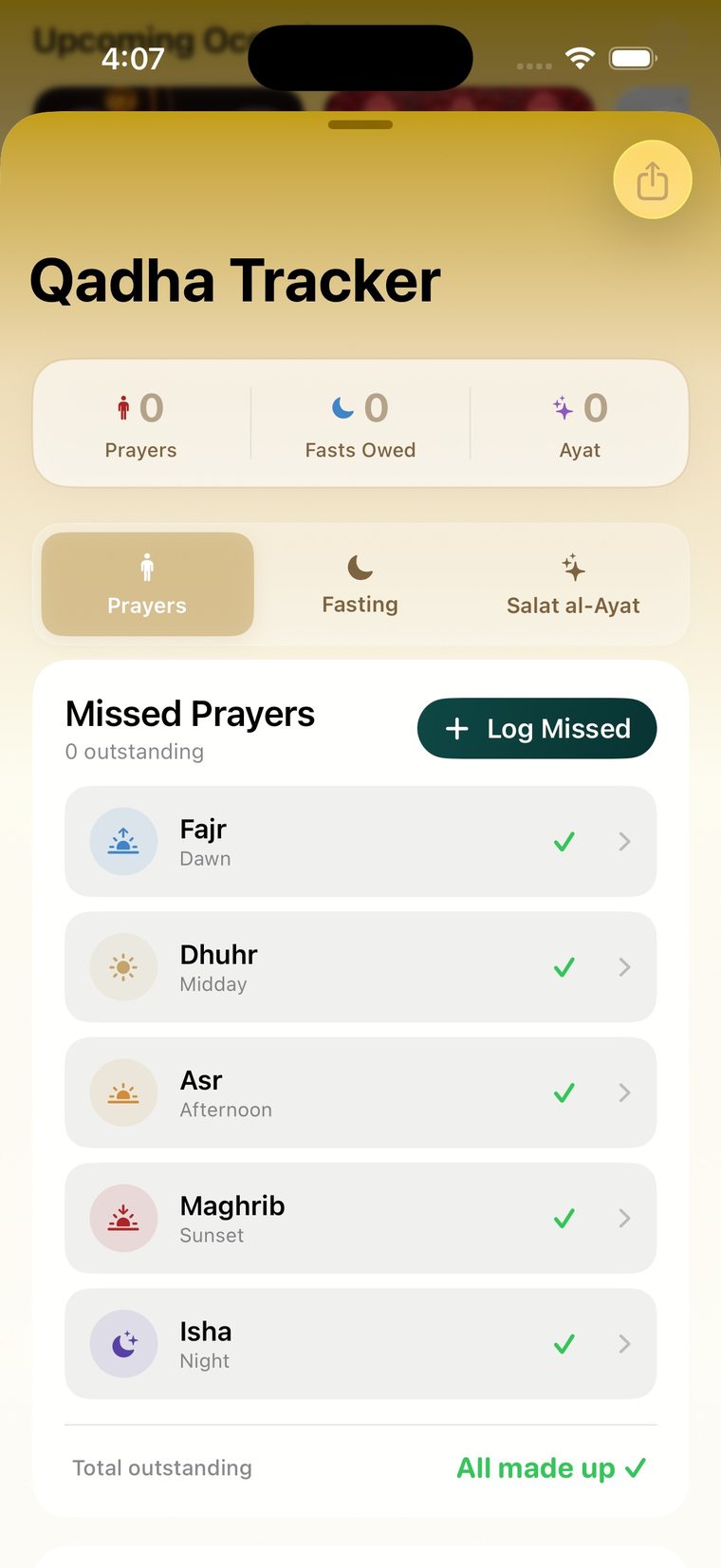
Widgets · Home · Calendar · Search · Duas · Dua reader · Quran · Qadha Tracker
Next prayer, the Hijri calendar with occasion colors, Quran bookmarks, one-tap duas, and a missed-salah toggle — mix the ones you want.
Log and make up missed prayers, fasts, and salat al-ayat, and check off the day's aamal as you go.
A built-in digital tasbih counter and an accurate Qibla direction, always a tap away.
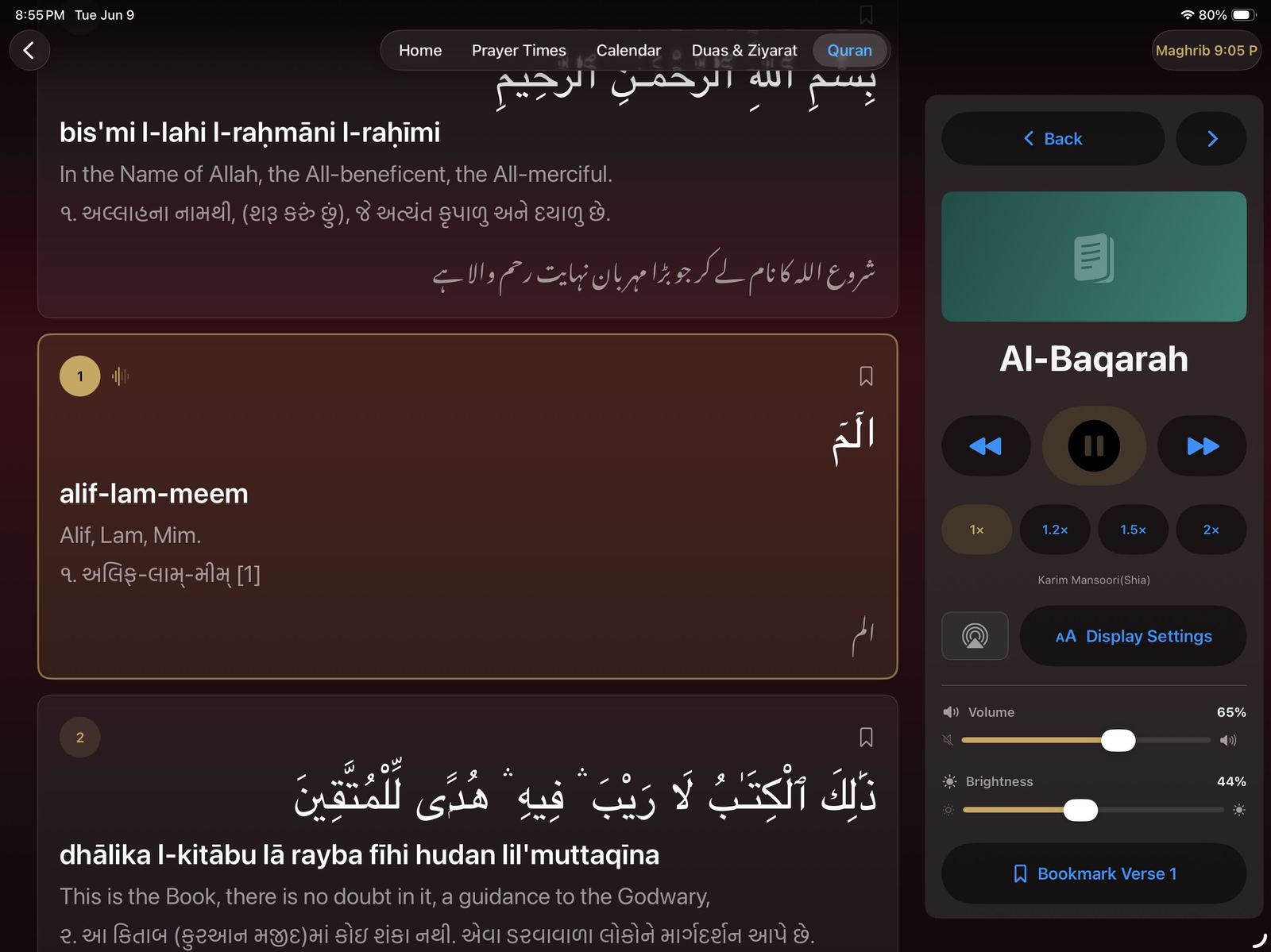
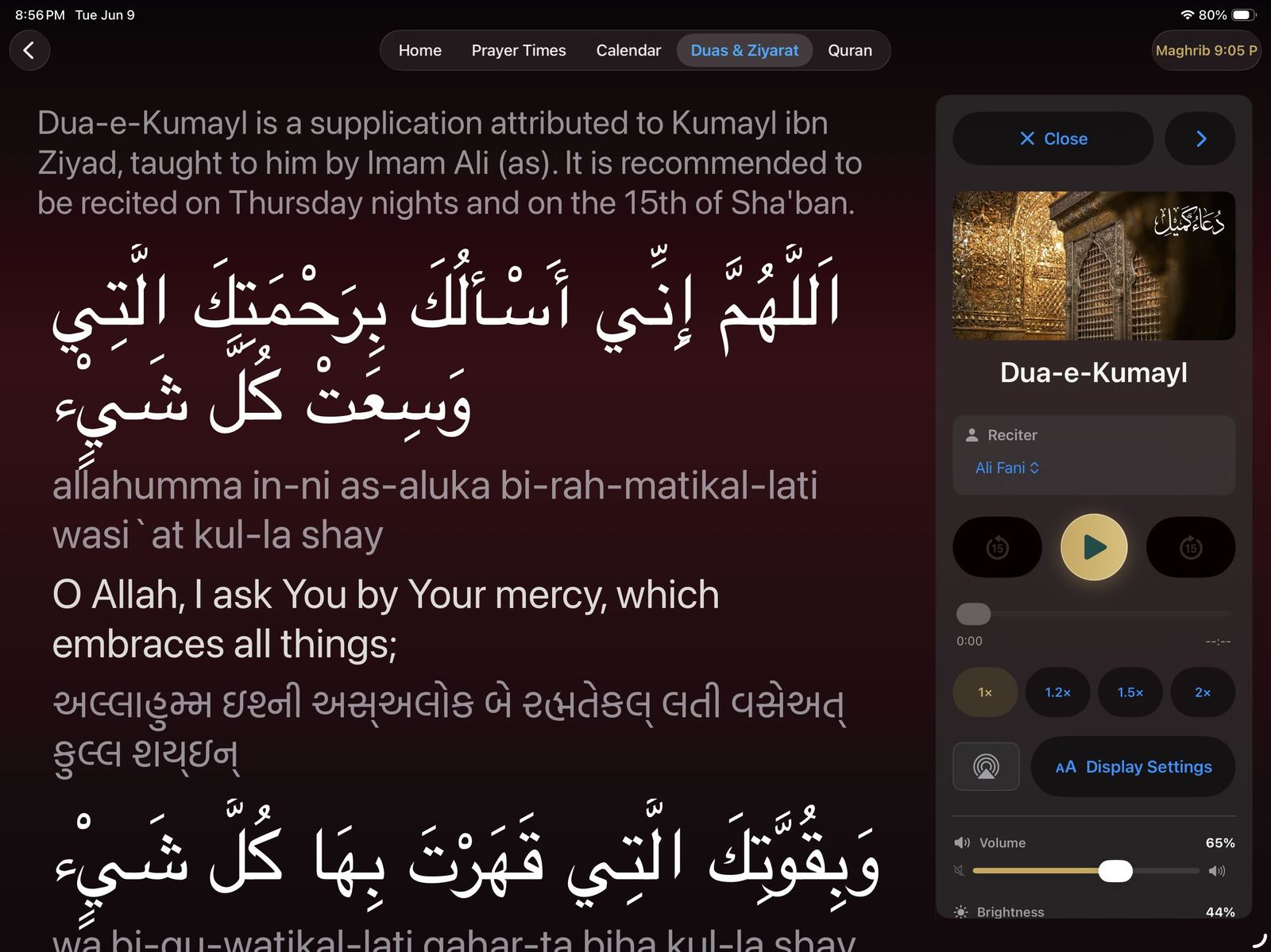
The full Quran and 100+ duas and ziyarat, with recitation audio and Gujarati, Urdu, and English translations.
A hadith each day and a look ahead at upcoming wiladat, shahadat, and Eids.
No data collected — everything stays on your devices and in your iCloud.
Apple Watch
The next prayer, always a wrist-raise away.
Put Shia Daily complications right on your watch face — the next salah, the Hijri date, and quick taps for duas and tasbih — then open the app for the full prayer schedule, missed-salah logging, and beads you can count on the move.
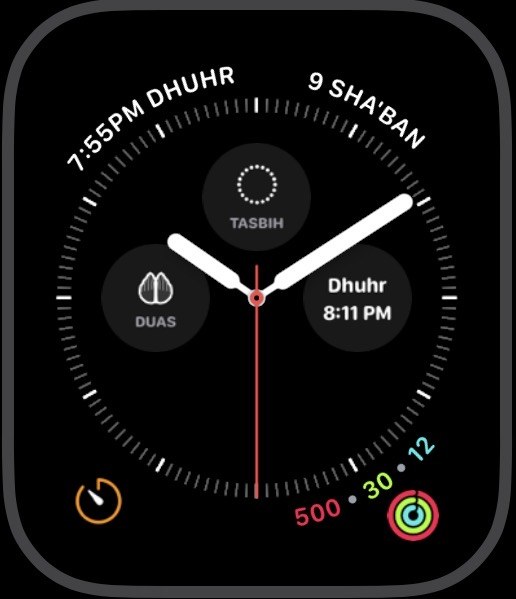
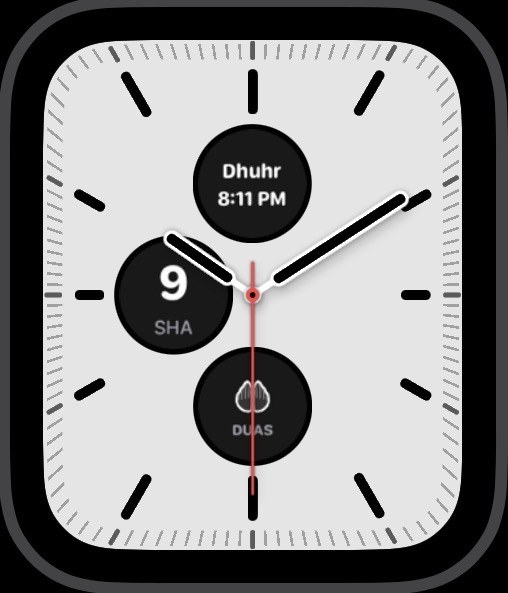
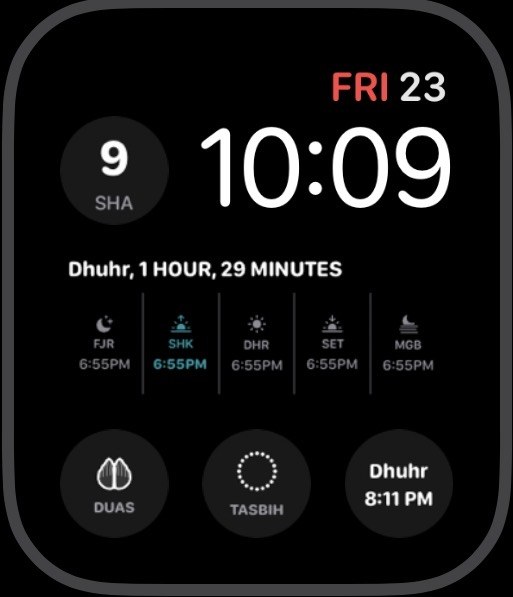
Complications for the faces you already use
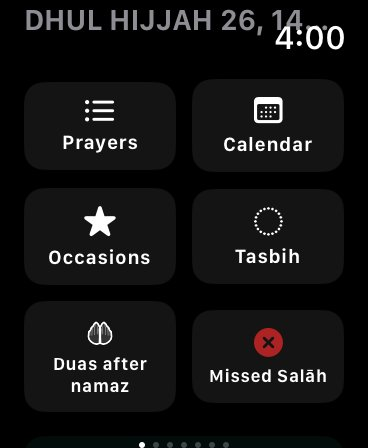
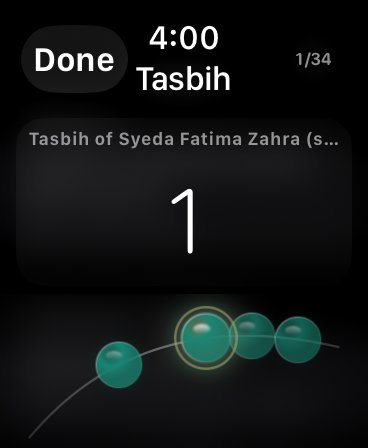
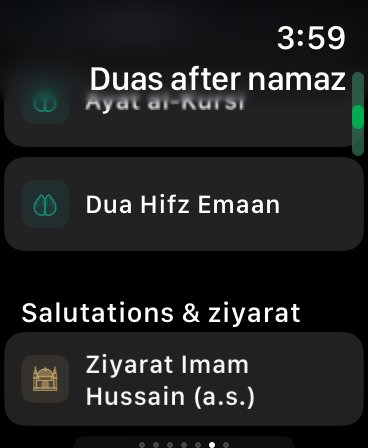
The full app on the wrist — Prayers, Duas after namaz, Tasbih, and more
Next prayer and countdown, Hijri date, missed-salah count, and shortcuts to Duas and Tasbih — on Modular, Infograph, and more.
Mark a prayer from the wrist and it syncs straight to the Qadha tracker.
Count Tasbih of Syeda Fatima Zahra (sa) and your own dhikr without reaching for your phone.
Questions
Before you set it on the shelf.
How do I use my iPad as an always-on azan clock?
Open Shia Daily and rotate the iPad to landscape on a stand or wall mount — it transforms into the azan clock automatically. Keep the iPad plugged in with the app open, and idle screensavers, burn-in protection, and night sleep schedules take care of the display. Quran resume, daily aamal, and your custom dua schedules all play on their own.
Does it work with my smart lights?
Yes — Shia Daily connects to Apple HomeKit. Lights can brighten before the azan and change color with the Islamic calendar: green for wiladat, red for shahadat, blue for celebrations, and dimmed for nights of mourning.
Does it work for my city?
Yes — prayer times are calculated for your exact location anywhere in the world, following the Jaffari method, with sunset, Maghrib, and midnight shown separately.
Does it work offline?
Prayer times, the calendar, and bundled audio work without a connection, and additional recitations can be downloaded ahead of travel.
Which devices are supported?
iPhone and iPad (iOS 16.6 or later), Apple Watch (watchOS 10.6 or later), Apple TV (tvOS), Apple Silicon Macs, and Apple Vision Pro. The Apple TV app is available now on the App Store. English, Arabic, and Gujarati are supported, with Gujarati and Urdu translations for readings.
Begin tonight, before Maghrib.
Download Shia Daily, set the iPad where the family gathers, and let the house keep its own prayer time.
 Scan with your iPhone or iPad camera